Best Shaders for Minecraft PE: Clear Nether Portals Review
Clear Nether Portals is a transparent portal shader for MCPE Bedrock that removes the purple texture blocking your view. See what's beyond without obstruction.


Created by Needyllama
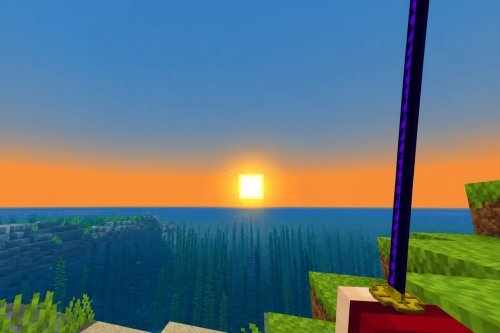
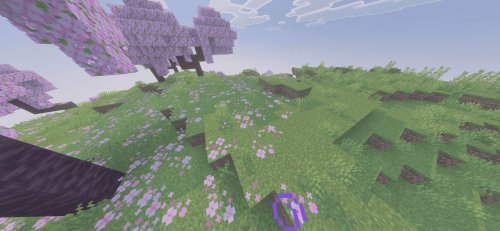
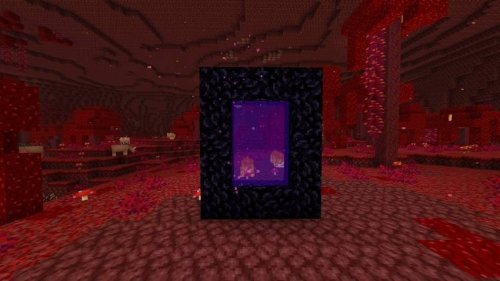
Clear Nether Portals is a resource pack that swaps the default swirling purple Nether portal texture for a transparent effect. You can see what's on the other side before you jump through. Created by Needyllama, this shader changes how the portal looks and functions in survival and creative modes.
If you've ever stood in front of a vanilla Nether portal and wondered what was waiting for you on the other side, this pack eliminates that mystery. The purple haze that normally fills the portal frame becomes see-through. Light and the Nether landscape show through. It's a simple change that affects your portal experience more than you'd expect.

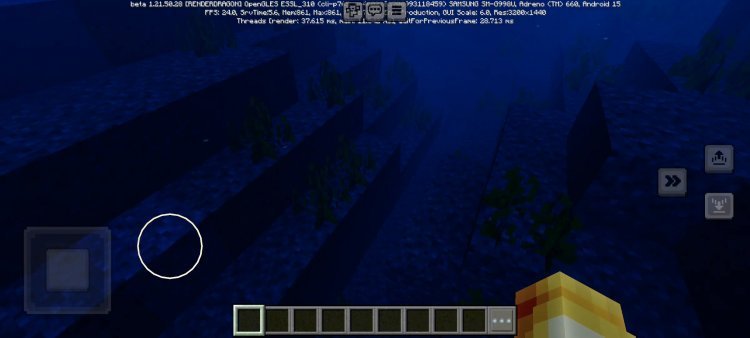
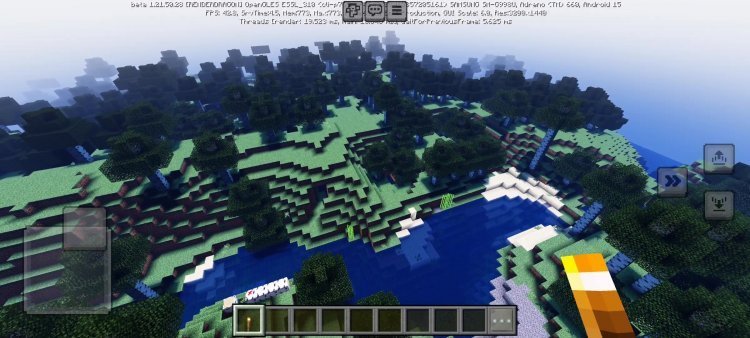
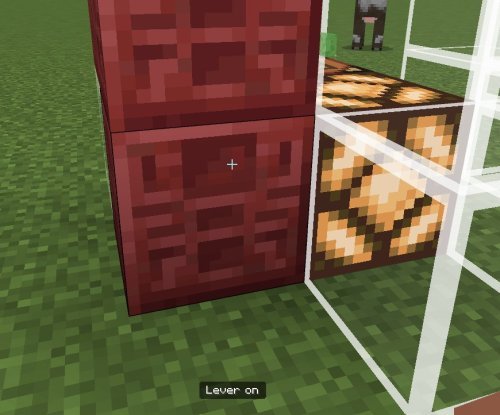
Photos by Needyllama
What makes transparent portals actually useful
The main appeal here is practical: you get visibility. In vanilla Minecraft PE and Bedrock, the portal texture is opaque. You can't scout ahead before stepping through, and you can't tell if there's lava, a cliff, or a mob swarm waiting on the other side. Clearing that texture out solves a real problem in early-game exploration.
There's also an aesthetic angle. Some players find the transparent look cleaner or more modern than the thick purple veil. If you're running shaders and resource packs that aim for a polished look, the default portal can feel outdated by comparison.
Shader pack compatibility and performance
Clear Nether Portals works with the Vibrant Visuals shader on top, so you're not locked into a specific visual style. If you're already using that shader or thinking about trying it, this pack layers in without conflict. The pack also supports RTX rendering, which means if you're on devices that can handle ray-traced graphics, the transparent portal integrates smoothly into that pipeline.
Performance-wise, there's no overhead from using this pack. You're removing a texture element, not adding one. Whether you're running fancy graphics or normal mode, the portal behaves the same way. The translucent effect itself is lightweight. On lower-end devices, you won't see any FPS dip from activating this pack.
How does it change gameplay?
Functionally, the portal works exactly like it always does. You can still ignite it with flint and steel, you still take fall damage on the Nether side if you're careless, and you still spawn in the same safe zone. The only difference is visual. All portal mechanics remain unchanged.
The real gameplay shift is behavioral. Without the visual barrier, you're encouraged to peek before jumping. You might notice a lava lake below the portal frame and shift your landing spot. You might see a fortress in the distance and plan your route. It's not a game-breaking change, but it does give you more control over how you approach Nether navigation.

Installation and load order
Installing Clear Nether Portals is straightforward on Minecraft PE and Bedrock. The pack comes as a .mcpack file. Download it and select "Open with Minecraft." The game will import it into your active resource packs.
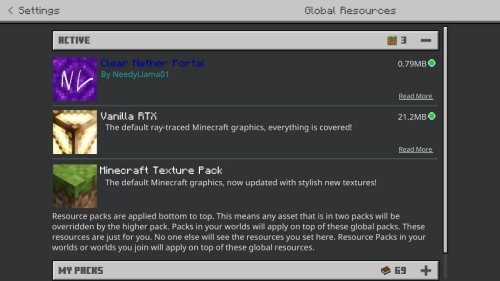
One important step: load order matters. Place Clear Nether Portals above all other active packs in your resource pack list. This ensures the transparent texture overrides any conflicting textures from other packs. You can manage load order in your world settings under global resources. Once it's in the right position, the transparent effect takes effect immediately without restarting.
Who should try this
Clear Nether Portals makes sense if you're already investing in resource packs and shaders for Minecraft PE. If you're running vanilla settings and prefer the default look, this won't appeal to you. But if you're the type of player who's already tweaking textures, trying different shaders, or looking for ways to refine your world's appearance, the transparent portal fits naturally into that workflow.
Speedrunners and players who make frequent Nether trips will appreciate the visibility boost. Builders who want a less obstructed view of the portal frame for aesthetic purposes will like it too. Anyone playing on devices that support RTX or pairing this with shaders for a more refined look is in the right audience.
Common questions about transparent portal shaders
Can you get shaders on Minecraft PE?
Yes, though Minecraft PE calls them resource packs and shader packs. Clear Nether Portals is technically a resource pack that modifies textures. Shader packs like Vibrant Visuals add lighting and visual effects. Bedrock Edition supports both, and they can run together.
Does this work with other resource packs?
It works with other packs as long as they're positioned below Clear Nether Portals in your load order. If another pack also modifies the portal texture, whichever one is higher in the stack wins. No conflicts occur, it's just about priority.
What are the best mcpe shaders for realistic portals in 2026?
Clear Nether Portals isn't a shader in the traditional sense, but it pairs well with shader packs like Vibrant Visuals and works under RTX rendering for the most realistic portal appearance. For the clearest, most visually coherent transparent portal look, combine this pack with one of those shaders.
Is there any downside to using a transparent portal texture?
The only potential downside is if you prefer the visual mystery of the vanilla portal. Some players like the atmospheric purple glow and the unknown that comes with it. If that's your aesthetic, stick with the default. Otherwise, there's no technical downside.
Share
What's Your Reaction?
 Like
0
Like
0
 Dislike
0
Dislike
0
 Love
0
Love
0
 Funny
0
Funny
0
 Angry
0
Angry
0
 Sad
0
Sad
0
 Wow
0
Wow
0