Vintage Minecraft Shader Pack for Bedrock: Warm Retro Aesthetic
Vintage is a Bedrock shader pack that adds warm color filters, texture variants, and biome-specific atmospheres. Play classic Minecraft with a retro feel on MCPE.

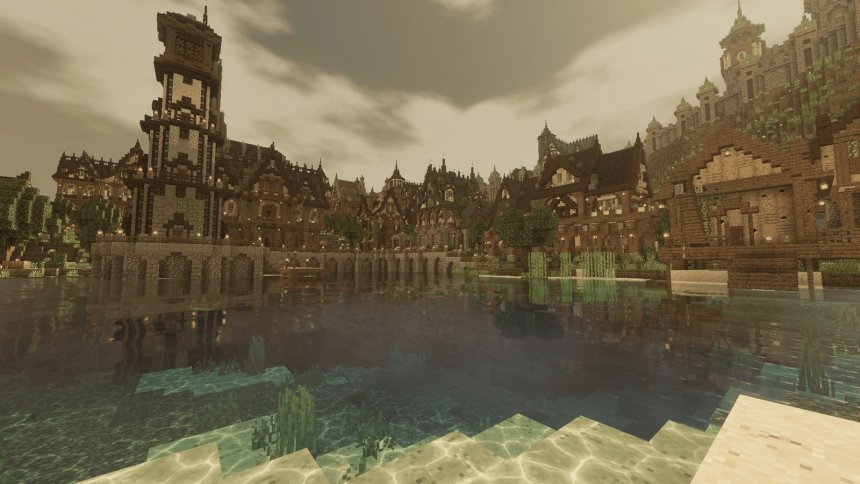
Created by ItzzMikey
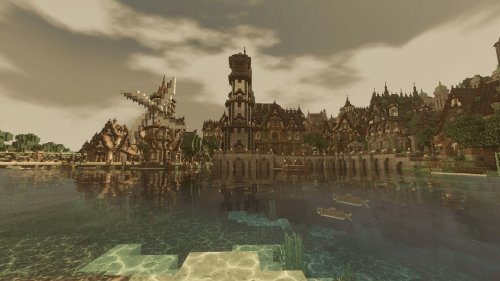
Vintage is a shader pack for Minecraft Bedrock Edition that wraps your world in a warm, nostalgic aesthetic. It layers color filtering, block texture variants, and atmospheric effects to make modern Minecraft feel like you're playing a retro version of the game.
Created by ItzzMikey, this pack leans into the classic Minecraft look without sacrificing the visual depth that shaders can add. It's not a total overhaul. Instead, it works quietly in the background, shifting how light and color behave across your world.
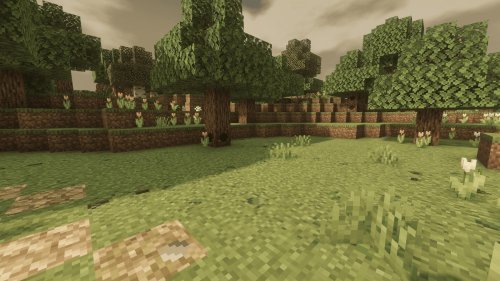
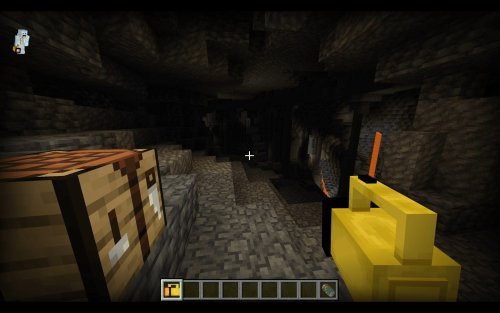
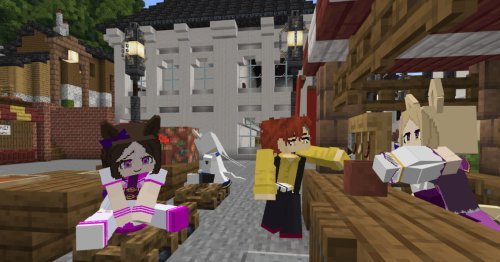
Photos by ItzzMikey
What makes a vintage Minecraft shader different
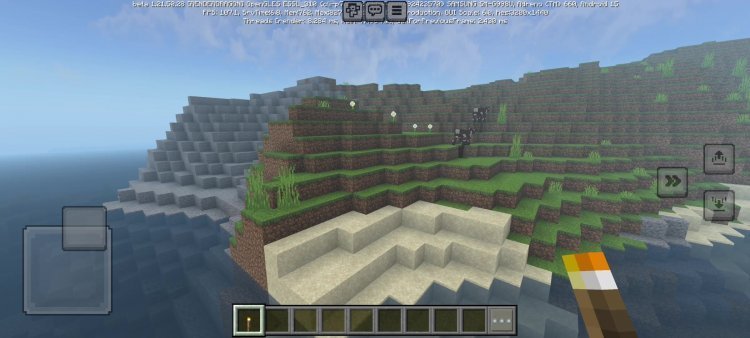
Vintage shaders on MCPE take a specific approach. Rather than chasing photorealism or bold fantasy aesthetics, they prioritize warmth and familiarity. The Vintage pack does this by applying a warm color filter across all block textures, which immediately changes how your builds feel.
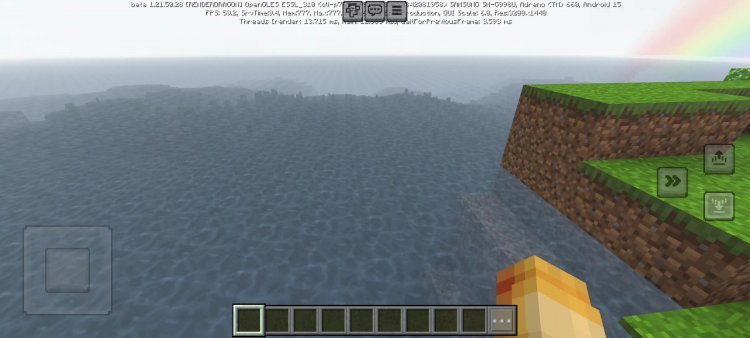
The filter isn't flat or washed out. It works with Bedrock's lighting to create depth. Shadows lean brown and orange instead of cold blue. Sunsets glow richer. Even overcast skies take on a honeyed tone.
This approach works well for players who want their Minecraft to feel lived-in and historical, like you're looking at screenshots from years ago. It pairs especially well with vintage-themed building projects: old cabins, historical villages, or survival worlds that lean into simplicity.
Texture variants and block customization
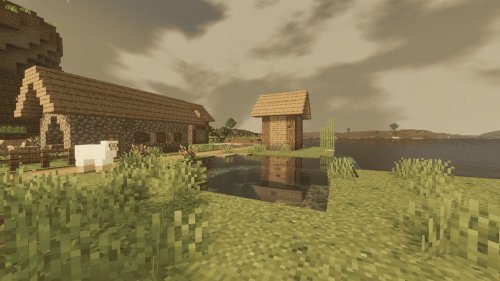
One of Vintage's core features is its use of multiple texture variants per block. Logs, planks, stone, and hundreds of other blocks can appear in up to 10 different visual forms as you place them. This breaks up repetition in large builds.
When you lay down a row of oak planks, they won't all look identical. Some will have slightly different grain patterns, color shifts, or surface details. The same goes for stone, cobblestone, and most natural blocks. Over a large structure, this subtle variation makes builds feel more organic and less like a checkerboard.
The variants aren't random or jarring. They're designed to work together, so your walls stay cohesive even though individual blocks differ. This is one way Vintage keeps the retro feeling intact while using modern rendering features.
Biome-specific atmospheres in vintage Minecraft
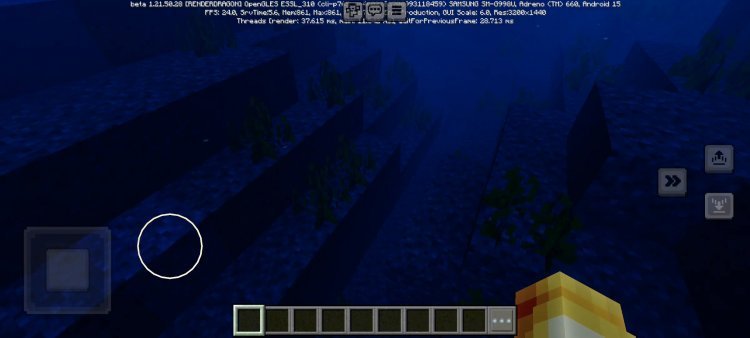
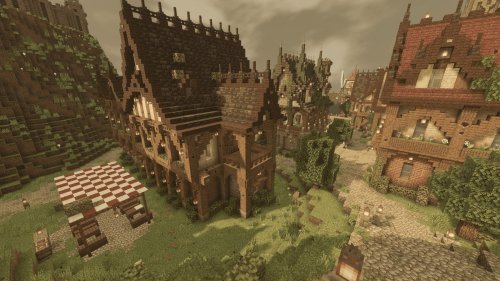
Vintage doesn't treat all biomes the same. Each biome receives its own atmospheric and fog effects, which shifts how the shader behaves depending on where you are. This is more than just color grading. The pack actually changes how far you can see and how the sky renders.
The desert biome gets its own warm, hazy treatment that emphasizes the heat. Swamps gain a greenish, misty fog that makes navigation trickier but moodier. Cherry groves retain their pink-toned lighting. The Nether and End receive their own special handling too, so even the dimension-specific blocks feel right in their context.
This level of detail means exploring different biomes in a vintage Minecraft world actually feels different. A journey through a forest looks and feels distinct from a trek across a mountain range.
Animated plants and waving leaves
Vintage includes animated plant and leaf movement. Trees sway, grass waves, and foliage responds to an invisible wind. This keeps static environments from feeling frozen.
The animation intensity is adjustable. You can set the waving effect to low, medium, or high depending on your device and preference. On lower-end phones or tablets, dialing down the intensity helps maintain smooth frame rates. On newer hardware, high intensity creates a more dynamic, living landscape.
The animations loop naturally and don't feel repetitive over long play sessions. They're subtle enough that you won't be distracted, but visible enough that the world feels alive.
PBR support for surface detail
Vintage includes PBR (physically-based rendering) support, which adds surface detail to blocks beyond simple color and shading. This means stone might have slight roughness variation, metal might catch light realistically, and wood gains grain depth that responds to how the sun hits it.
On Bedrock devices that support it, this makes blocks feel textured rather than flat. You won't see high-poly detail, but the lighting response of surfaces changes, creating an illusion of complexity. It's the shader equivalent of running your hand over something and feeling the grain.
Installing Vintage on Bedrock Edition
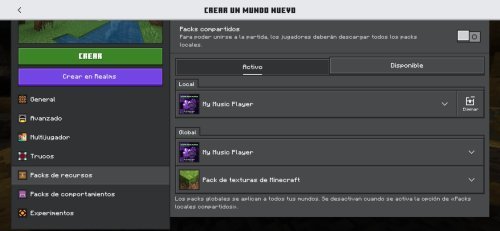
Shader packs for Bedrock come as .mcpack files. To install Vintage, download the pack and open the file. Your device should prompt you to open it with Minecraft. Accept, and the pack imports into your shader library.
Once installed, load a world or create a new one. Go to world settings and apply the Vintage shader from the available packs list. The changes take effect immediately. If your device struggles with performance, adjust the waving animation intensity in the shader settings.
On some Android devices, you may need to manually navigate to your file manager and open the .mcpack from there. The process is the same, just a few extra steps.
Vintage Minecraft shader pack FAQ
Does Vintage work on all MCPE devices?
Vintage runs on any device that supports Minecraft Bedrock Edition shaders. Older phones or tablets may see performance dips, especially with animation intensity set to high. Lowering the intensity or disabling certain effects helps maintain playable frame rates.
Can you use Vintage with other resource packs?
Yes. Shaders and resource packs work independently. You can layer Vintage with a separate texture pack or resource pack for even more customization. Just apply your resource pack after the shader, and they'll work together in your world.
Is this the same as a vintage minecraft texture pack?
No. A vintage texture pack replaces block textures entirely and gives you a retro look through artwork. Vintage the shader pack keeps your current textures but changes lighting, color, and atmosphere. You can combine both for a fully retro experience, or use Vintage alone for a subtler effect.
Does Vintage support the new Cherry Grove and other recent biomes?
Yes. Vintage includes specific atmospheric effects for cherry groves, along with the desert, swamp, Nether, and End. It's designed for current Bedrock versions and adapts to newer content.
Share
What's Your Reaction?
 Like
0
Like
0
 Dislike
0
Dislike
0
 Love
0
Love
0
 Funny
0
Funny
0
 Angry
0
Angry
0
 Sad
0
Sad
0
 Wow
0
Wow
0