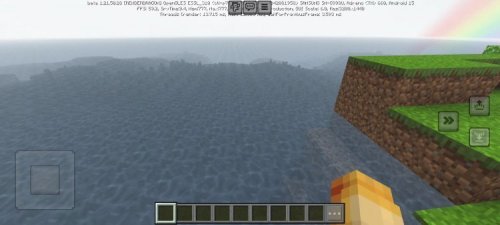
OptiFine Bedrock Plus for Minecraft – Performance and Visual Tweaks Combined
Download OptiFine Bedrock Plus for Minecraft Bedrock Edition, a lightweight performance and visual enhancement pack that boosts FPS, sharpens lighting, and improves gameplay smoothness without using heavy shader effects. Perfect for players who want cleaner visuals and better performance on mobile or PC.

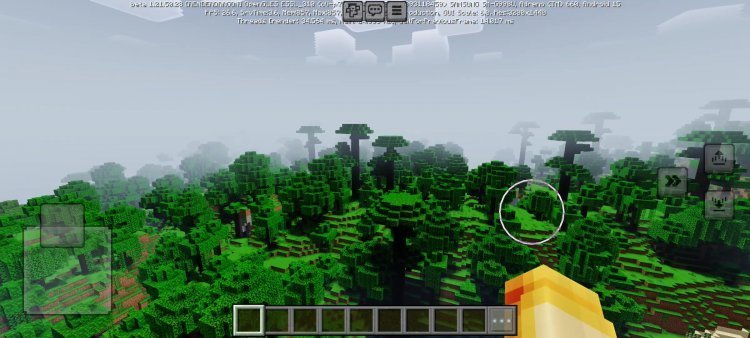
OptiFine Bedrock Plus is a performance and visual upgrade pack for Minecraft Bedrock Edition made for players who want smoother gameplay without the need for full shaders. It’s built to bring the same kind of optimization tools that Java players enjoy with OptiFine, but reimagined for the Bedrock platform. Instead of loading heavy visual effects, this pack focuses on making your game faster, cleaner, and easier to play on any device.
The goal of OptiFine Bedrock Plus is simple — give you better frame rates and more visual clarity without changing Minecraft’s natural look. Most shader packs use advanced lighting, shadows, and reflections that make the game beautiful but often unplayable on weaker devices. This pack avoids all that by keeping the graphics clean and optimized, so you can enjoy the performance you deserve. It’s not about realism; it’s about balance, speed, and clarity.
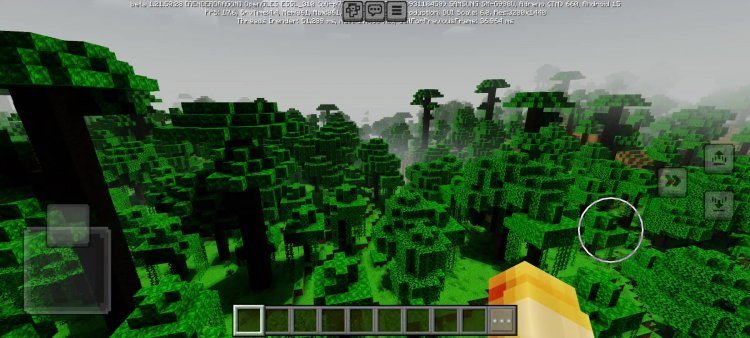
One of the biggest strengths of OptiFine Bedrock Plus is its optimization for performance. It improves how chunks load, reduces lag spikes, and cuts down unnecessary rendering tasks that slow down your game. The internal tweaks make the world load faster, even in areas with big builds or redstone contraptions. Players using older phones or low-end laptops will notice the difference right away — the game feels smoother, more stable, and more responsive.
In testing, this pack has shown FPS increases of up to 30% on average, depending on your hardware. That means fewer frame drops, less stuttering, and a much more enjoyable experience overall. For players who build large survival bases or play on servers with lots of entities, these optimizations can make a huge difference. Even high-end players benefit, since it makes Minecraft run cleaner and more efficient across all setups.
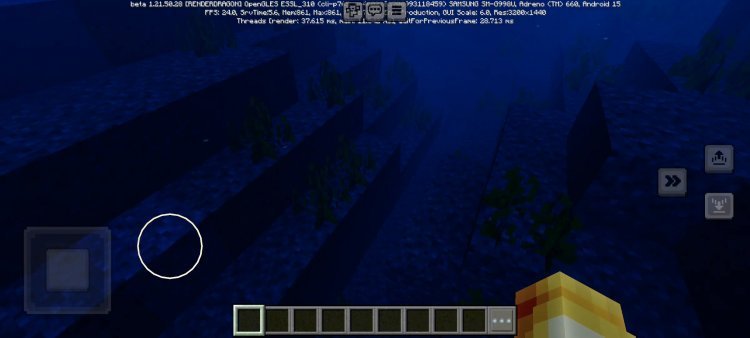
Visually, OptiFine Bedrock Plus keeps things sharp and bright. It adjusts lighting transitions so that going from day to night or walking into caves feels smoother and more natural. You’ll notice that dark areas aren’t as muddy, and bright areas aren’t as harsh. The brightness balance has been tuned so players can see clearly both indoors and outdoors without needing to adjust their settings constantly.
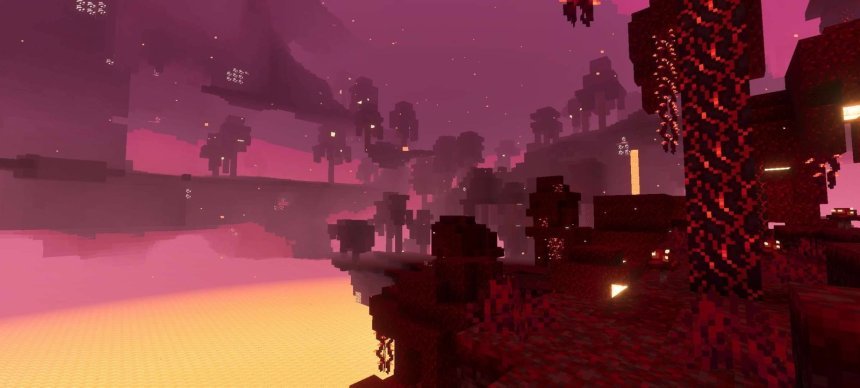
The colors are slightly refined too. Grass, trees, and water appear more vibrant, but never overdone. It’s the kind of subtle improvement that makes Minecraft feel clearer without looking like a full shader. The pack enhances edges, reduces blur, and gives textures a more polished look while keeping the original Minecraft aesthetic. Everything feels crisp, natural, and easy on the eyes — perfect for players who spend long hours building, mining, or exploring.
Unlike most shaders, OptiFine Bedrock Plus doesn’t use heavy lighting or water reflection effects. It skips complicated shadow layers and ray tracing filters to avoid putting stress on your device. Instead, it focuses on lightweight enhancements that use smarter lighting and cleaner rendering techniques. This means you get fast gameplay with smoother visuals, even during weather changes or in high-load areas like villages and redstone bases.
The simplicity of this pack makes it a great option for competitive or technical players. PvP players benefit from higher frame rates and clearer visuals, giving them faster reaction times and less input lag. Redstone engineers can enjoy consistent tick rates and stable performance even in complex builds. Survival players can explore massive worlds without worrying about lag or overheating. It’s the ideal setup for anyone who values smooth performance over flashy graphics.
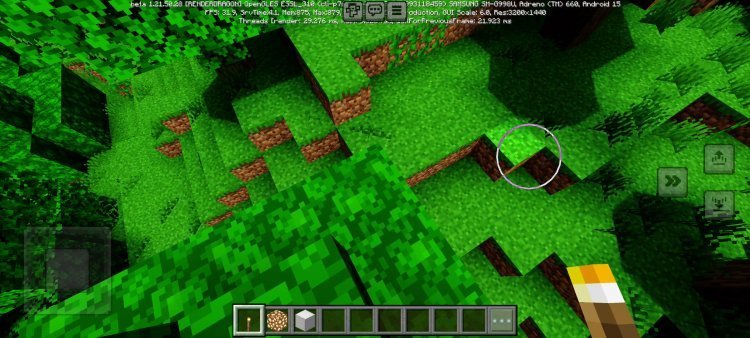
OptiFine Bedrock Plus is also highly compatible. It runs well on nearly every modern device, including older Android phones, tablets, and Windows laptops. As long as your device has at least 2GB of RAM, you’ll notice smoother gameplay. Even on low-end hardware, this pack stays stable and reliable — a big reason why it’s become a favorite for mobile players who want an upgrade without the risk of crashes.
Installing OptiFine Bedrock Plus is easy. First, download the .mcpack file from a trusted source. Then, open it using Minecraft Bedrock Edition. Once it imports, go to Settings → Global Resources and activate the pack. Finally, load your world, and you’re ready to enjoy faster gameplay and cleaner visuals. There’s no extra configuration needed, and it works right out of the box.
To get the best results, use these recommended settings: set your render distance between 6 and 10 chunks, turn Smooth Lighting on, and disable Beautiful Skies if you want more FPS. Fancy Graphics can be turned off if you’re chasing maximum performance, and setting your brightness to 100% helps take full advantage of the improved lighting. These simple tweaks combine with the pack’s optimizations to create one of the smoothest Bedrock experiences available.
OptiFine Bedrock Plus is perfect for a wide range of players. It’s great for those using older devices who struggle with lag and frame drops. It’s also ideal for PvP players who need consistent performance and clear visuals during battles. Builders and redstone users benefit from the more stable tick rates and less visual clutter. Even casual survival players will appreciate how much faster and cleaner the game feels.
Players who’ve used OptiFine Bedrock Plus say it’s made their worlds more playable and enjoyable. Many report significant FPS boosts, faster chunk loading, and smoother gameplay during long sessions. One player said it made their old Android phone “feel brand new.” Another mentioned how it keeps the game stable even when using texture packs or large builds. Feedback has been overwhelmingly positive from users who care more about playability than fancy visuals.
This pack is completely free to download and use. It’s safe, lightweight, and built specifically for Bedrock Edition’s performance limitations. You can combine it with texture packs if you want more style, though it works perfectly on its own. It also won’t affect multiplayer gameplay — all the improvements are local to your device, so it’s completely realm and server safe.
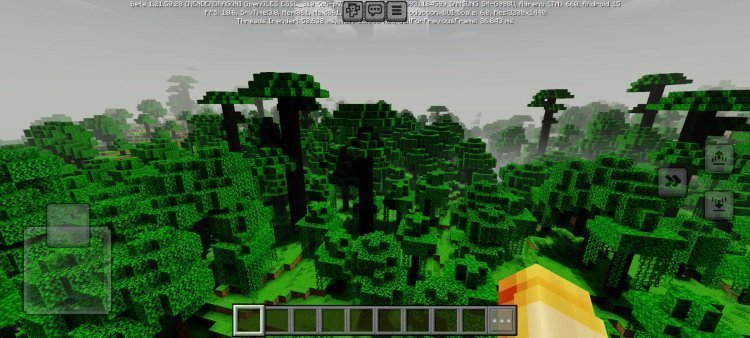
While OptiFine Bedrock Plus isn’t an official port of OptiFine from Java Edition, it captures the same purpose: better optimization, smoother visuals, and faster gameplay. It’s like having the best parts of OptiFine — better lighting, higher FPS, and clear colors — built directly into Bedrock Edition without any complicated setup.
If you’re tired of laggy performance or want Minecraft Bedrock to run smoother without changing the look too much, OptiFine Bedrock Plus is exactly what you need. It makes the game run cleaner, faster, and sharper while staying simple and easy to install. You’ll get higher FPS, faster load times, and visuals that look bright and crisp without any of the performance problems that come with traditional shaders.
In short, OptiFine Bedrock Plus gives you the best of both worlds — better visuals and better performance, all in one lightweight pack. Whether you’re playing on a phone, tablet, or PC, it helps Minecraft Bedrock run smoother and look better than ever. For players who want to focus on gameplay and performance instead of flashy graphics, this is the must-have add-on to make your worlds feel brand new.
Share
What's Your Reaction?
 Like
0
Like
0
 Dislike
0
Dislike
0
 Love
0
Love
0
 Funny
0
Funny
0
 Angry
0
Angry
0
 Sad
0
Sad
0
 Wow
0
Wow
0