Best Minecraft addons 2026: Film Green Screen Block review
The Film Green Screen Block addon adds chroma key-compatible blocks for video creators. Perfect for MCPE and Bedrock filming without post-production headaches.

Created by Cosmanations
Film Green Screen Block is a Minecraft Bedrock addon that adds green screen blocks designed specifically for in-game video recording and editing. If you film Minecraft content, this addon cuts out the biggest pain point of chroma key work by letting you build your filming setup directly into your world.
Created by Cosmanations, this addon solves a real problem for streamers and video makers who want clean, easy-to-key backgrounds without spending hours in post-production. It's one of those best mcpe addons that feels so obvious once you use it, you wonder why it took this long to exist.
What makes this different from regular green blocks
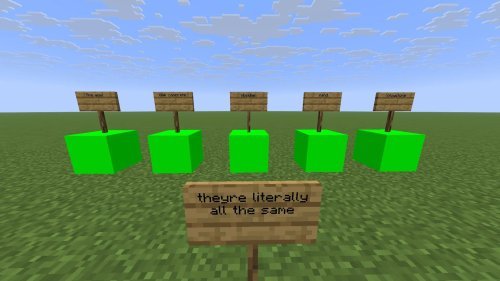
You could technically use any green block as a chroma key background, but the results are usually messy. Normal Minecraft blocks have face shading, shadows, and texture variation that makes them difficult to isolate cleanly in video editing software. Your green screen ends up patchy and requires manual cleanup.
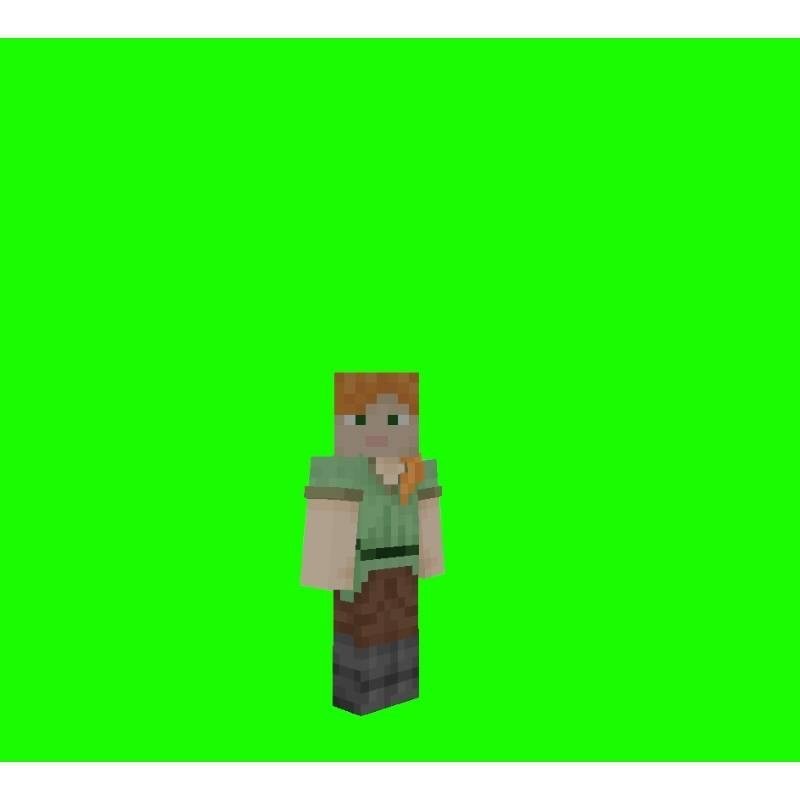
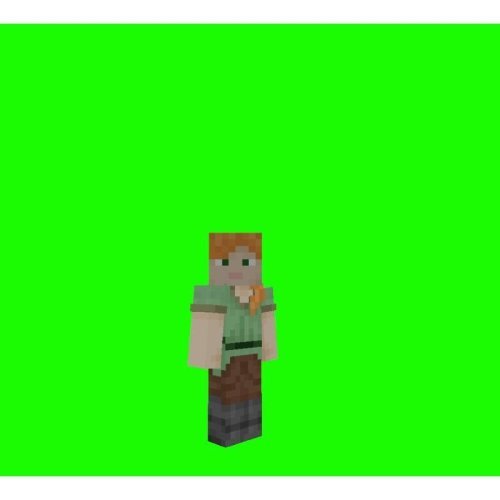
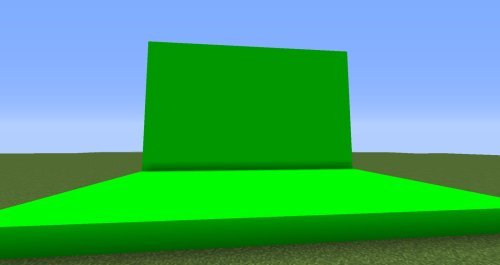
The Film Green Screen Block removes that frustration entirely. The blocks have no face shading, which means they render as a flat, uniform color. When you record footage against these blocks and run it through chroma key software in post, the entire background strips away in one pass. No manual masking, no green pixels bleeding into your character, no second-guessing the color threshold settings.
How green screen blocks work in Bedrock
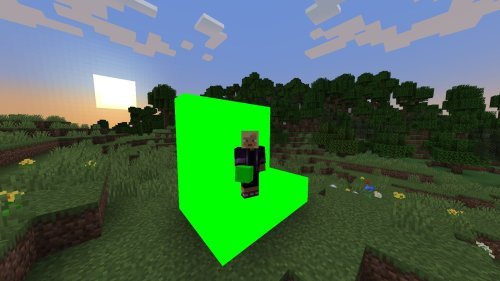
Installing this addon brings a new block type into your world. You place it like any other block, but instead of looking like stone or dirt, it displays as a solid green surface. The flat shading is the key difference. Every pixel of the block reads the same color value, which is exactly what chroma key algorithms need to work.
You can build setups however you want: a simple flat wall behind your character, a booth with blocks on three sides, or more complex set designs. Since the addon is lightweight and only adds blocks (no mobs, no lag-heavy features), it won't tank your FPS while you're filming.
Perfect for Minecraft content creators
This addon is built for specific people. If you're a casual player, you don't need it. But if you create YouTube videos, stream on Twitch, or make TikToks with Minecraft footage, it removes a technical barrier from your workflow.
Say you're filming a tutorial or showing off a build. You want your character visible but you don't want the default Minecraft sky or terrain distracting the viewer. You can film against the green screen block, bring that footage into your editing software, key out the green, and drop in any background you want. Custom graphics, your channel branding, another game footage, or a real-world camera feed behind you. The possibilities open up without needing multiple recording setups or heavy green screen equipment.
Feature breakdown
- Green screen blocks with zero face shading for perfect chroma key compatibility
- Solid, uniform color background that requires minimal editing adjustment
- Lightweight addon with no performance impact on Bedrock Edition
- Works with any standard video editing software that supports chroma key
Installing Film Green Screen Block
Like most best minecraft addons for MCPE, installation is straightforward. Download the addon file, then open it with Minecraft Bedrock Edition. The game will prompt you to apply it to a world or create a new world with the addon enabled. Once active, you'll find the green screen blocks in your creative inventory or you can use commands to spawn them in survival mode.
The addon plays nicely with other addons if you're already running texture packs or gameplay modifications alongside it. No conflicts to worry about.
Frequently asked questions
Does Film Green Screen Block work on all Bedrock platforms?
Yes. This addon works on Windows, console, and mobile versions of Minecraft Bedrock Edition, as long as you're using a recent update. MCPE on phones and tablets will run it without issues.
What video editing software is compatible with the chroma key blocks?
Any editor that has chroma key or color key tools will work. This includes OBS (free), DaVinci Resolve (free), Adobe Premiere Pro, CapCut, and most other professional or consumer video software. The green color is standard enough that it processes smoothly everywhere.
Can I use these blocks in multiplayer worlds?
If everyone on the server has the addon installed, yes. If only you have it, other players won't see the blocks. For filming purposes, you're usually alone during recording anyway, so it's rarely an issue.
Will green screen blocks affect my world's save file size?
No. Addons don't increase save size; they just modify how blocks render. Your world file stays the same size whether you build with green blocks or regular ones.
Share
What's Your Reaction?
 Like
0
Like
0
 Dislike
0
Dislike
0
 Love
0
Love
0
 Funny
0
Funny
0
 Angry
0
Angry
0
 Sad
0
Sad
0
 Wow
0
Wow
0