Best MCPE Addons 2026: Someone's Grave Review
Someone's Grave is a lightweight Minecraft Bedrock addon that automatically stores your items in a marked grave when you die. Prevent item loss with this utility pack.

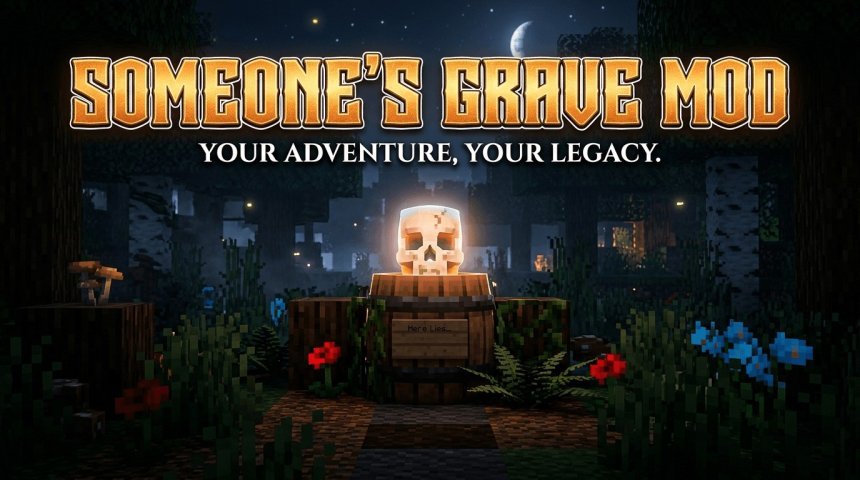
Created by Someone09696
Someone's Grave is a lightweight utility addon for Minecraft Bedrock Edition that catches your items the moment you die, storing them in an underground grave so nothing gets lost. If you've ever had to replay a chunk of the game because lava consumed your best gear or your items despawned while you were respawning, this addon solves that frustration.
Created by Someone09696, this addon sits in the category of best Minecraft addons for practical players who want survival to feel less punishing. It doesn't change your world or add new content. It just makes death less catastrophic, which changes how you actually play.
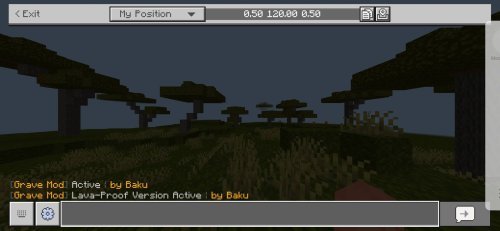
How Someone's Grave works
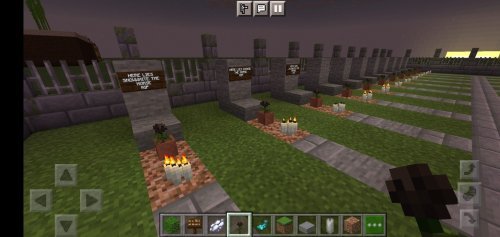
When you die, the addon springs into action automatically. Within seconds, a grave structure forms at your death location: two barrels buried underground with your player head block sitting on top. All your dropped items get collected and stored inside those barrels. You'll see a floating text marker that reads "RIP [your name]" hovering above the grave so you can spot it from a distance.
The addon also sends you a private chat message containing your exact death coordinates. If you need those numbers again later, you can type !death or /death in chat to pull them up anytime. This means even if you're far away or exploring a new area, you know exactly where to head to retrieve your gear.
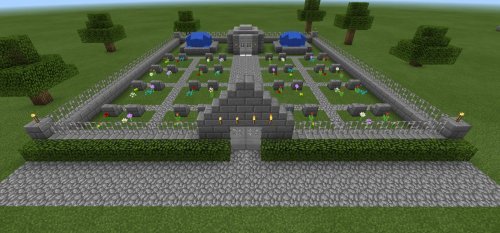
Key features that make a difference
- Automatic item collection into barrels within seconds of death, no manual setup required
- Grave marker displays your name, visible from a distance for navigation
- Death coordinates sent via chat and retrievable with
!deathor/deathcommands - Items won't despawn or burn in lava while stored in the grave
- Works without needing experimental gameplay features toggled on
- Compatible with Xbox Live Achievements and Realms worlds
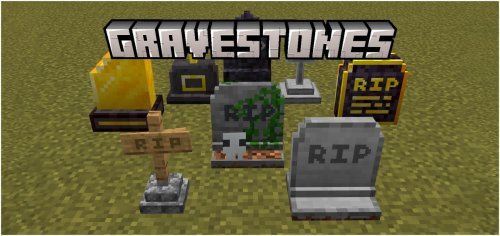
What makes this addon different from others
Some addons add flashy new mobs or blocks that require experimental toggles and eat into performance. This one works the opposite way. Someone's Grave uses standard Bedrock script APIs, so it runs cleanly without forcing you to enable features that might break other addons or disable achievements.
The grave structure itself is simple: barrels and a head block. Nothing fancy, but that simplicity works in its favor. Your items are safe, they're marked clearly, and you can get them back without jumping through hoops. Breaking the player head block exposes the barrels, then you open or break them to grab your stuff.
Performance and compatibility
This is a behavior pack addon, so it adds virtually no visual overhead to your game. If you're playing on older devices or a world with multiple other addons, you won't notice any framerate hit. The addon plays nicely with Realms servers and doesn't disable achievements when you use it, which matters if you care about progression tracking.
It works across all Bedrock platforms: Windows, iOS, Android, Nintendo Switch, and Xbox. If you're in a multiplayer world, each player gets their own graves with their own names displayed, so you won't accidentally grab someone else's loot.
Who should use Someone's Grave
If you play hardcore or high-difficulty survival where losing gear sets you back hours, this addon is worth trying. It's also good for players who tend to die in annoying situations—lava lakes, fall damage, creepers—and hate replaying sections to rebuild. Younger players or those new to Minecraft can focus on exploration and building instead of stressing over lost items.
You might skip it if you play on peaceful mode, use keepInventory true, or prefer vanilla survival exactly as intended. But if standard survival feels too punishing, this addon removes one layer of frustration without changing anything else about how the game plays.
How to install Someone's Grave
Download the .mcpack file and double-click it on your device. Minecraft Bedrock will open and ask if you want to import it. Say yes, then select the world or realm where you want to use it and apply the Behavior Pack. There are no experimental features to toggle and no weird setup steps. It's ready to go immediately.
Common questions about this addon
Do I lose my inventory when I die in Someone's Grave?
No. Your items drop as usual, but the addon collects them within seconds and puts them in the grave barrels. You respawn without your gear, but everything is safe underground waiting for you to dig it up.
Does Someone's Grave work on Realms?
Yes, and it doesn't disable achievements. Achievements work normally on Realms worlds that have this addon installed.
What are the best MCPE addons to pair with Someone's Grave?
Any utility or content addon works fine since this one doesn't conflict with other packs. Pairing it with addons that add new mobs, blocks, or biomes won't cause problems because Someone's Grave only handles death behavior and doesn't touch those systems.
Can I retrieve items from a grave if I'm playing single-player?
Yes. Break the player head block on top of the grave, then open or break the barrels inside. The addon works the same way on single-player worlds as it does in multiplayer.
Share
What's Your Reaction?
 Like
0
Like
0
 Dislike
0
Dislike
0
 Love
0
Love
0
 Funny
0
Funny
0
 Angry
0
Angry
0
 Sad
0
Sad
0
 Wow
0
Wow
0