Best Minecraft Addons 2026: Backrooms Textures & Items Guide
Explore the best Minecraft addons for Bedrock with this Backrooms-themed texture and item pack. Add eerie blocks, furniture, and mobs to your world.

Created by User Builds
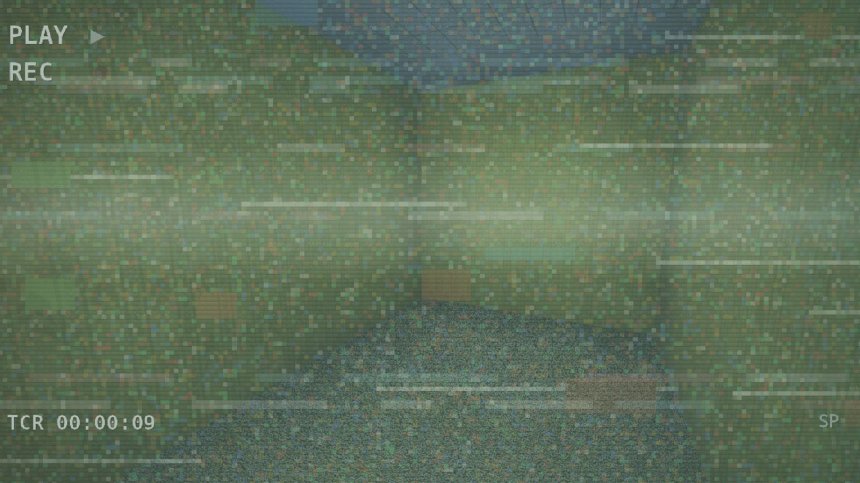
Backrooms Textures & Items is a texture and item addon created by User Builds that brings the unsettling atmosphere of the Backrooms internet horror concept into Minecraft Bedrock. This addon adds themed blocks, furniture, consumables, and entities that let you build and explore creepy Backrooms environments right in your world.
If you're looking for Minecraft addons that go beyond basic building, this one focuses on immersion through thematic detail. It's not a shader or a full dimension. It's a companion pack that adds specific textures and interactive items to make horror-themed builds feel authentic.
Photos by User Builds
What blocks and items does this addon add?
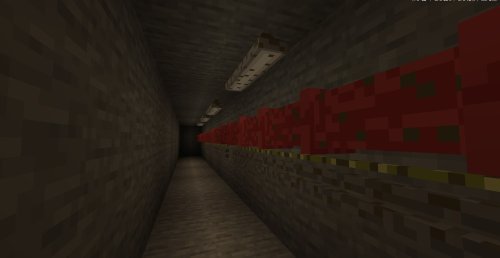
The addon includes 9 named blocks inspired by Backrooms Level 0, the most iconic location in the lore. You'll find wall tiles, roof tiles, ceiling vents, and that distinctive worn carpet texture that defines the Backrooms aesthetic. Beyond these core nine, the pack adds extra blocks to expand your building options.
Furniture items round out the collection. Filing cabinets and old computers sit ready to fill your created spaces. They're not decorative-only either, they use custom models to look period-appropriate and eerie.
The addon also includes consumable items. Almond water, canned food, and emergency rations reference the Backrooms lore directly. You can hold and use these in your world, adding a survival or roleplay element to exploration builds.
Interactive elements and entities
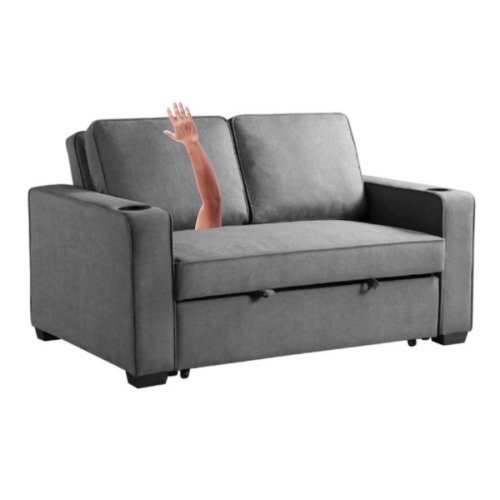
What sets this addon apart from a simple texture reskin is the inclusion of interactive items and mobs. VHS tapes and radios add that 90s abandoned-space feeling, and mysterious mushrooms introduce an element of supernatural dread. The addon also includes two entities named Mimic and Smiler, creatures pulled directly from Backrooms lore that inhabit your world and react to your presence.
These aren't just visual additions. They change how you experience the spaces you build, adding tension to exploration and creating reasons to use cover or build shelters.
Feature breakdown
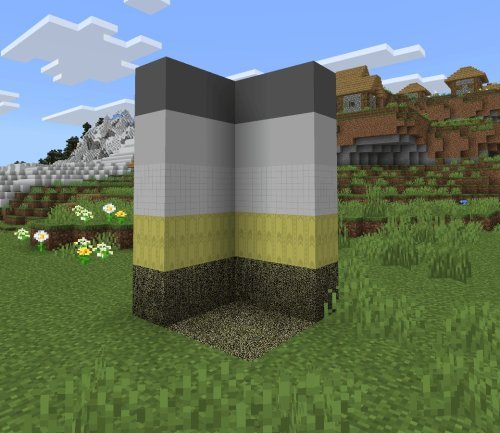
- 9 named Level 0-themed blocks including walls, ceiling vents, and worn carpet
- Additional unnamed blocks for expanded building flexibility
- Furniture: filing cabinets and old computers with custom models
- Consumable items: almond water, canned food, emergency rations
- Interactive items: VHS tapes, radios, and mysterious mushrooms
- Lore-accurate entities: Mimic and Smiler mobs
- References to Backrooms Level 0 and Level 37 locations

Performance and shader compatibility
The addon works best with a shader pack to display its textures and effects properly. On most mid-range devices, modern phones, tablets, Windows 10/11 systems, the performance hit is minimal when paired with a lightweight shader. If you're running on older hardware, disable the shader and the addon will still work. Textures just won't have the same atmospheric lighting.
You'll also need a compatible Backrooms-themed map to get the full experience. The addon alone adds items and blocks, but pairing it with a dedicated map transforms your playspace into an actual Backrooms level rather than just a themed build area.
Who should download this MCPE addon?
This addon is for players who enjoy horror-themed survival, roleplay, or creative building. If you've been curious about the Backrooms phenomenon or want to build a haunted facility, this gives you the exact tools. It also works well for content creators making Minecraft Bedrock videos. The unique entities and textures photograph well and immediately communicate the theme to viewers.
It's not essential for regular vanilla Minecraft play, but it's a focused, well-executed choice if your current project or interest aligns with the Backrooms aesthetic.
How to install this addon
Download the .mcpack file and open it directly on your device. Minecraft Bedrock will automatically prompt you to import it into your world. Make sure you have a shader pack installed before starting a world with this addon active. This ensures all textures render correctly. If you're installing on Windows 10/11, MCPE (mobile), or console, the process is the same: one tap to import and activate.
After importing, create a new world or load an existing one, enable experimental features if prompted, and activate the addon from the resource pack menu. The addon works on the latest versions of Minecraft Bedrock across all platforms.
Frequently asked questions about Minecraft addons
Do I need a specific map to use this addon?
No, you can use it in any world. However, the addon is designed to accompany a Backrooms-themed map, so pairing it with one gives the best experience.
Will this addon work on older Bedrock versions?
It works on recent Bedrock versions. Check the pack description for the exact version requirement, as addon compatibility can vary.
What's the difference between this addon and a shader pack?
This addon adds custom blocks, items, and mobs. A shader pack only changes lighting and visual effects. You can use both together, and the addon actually requires a shader to look its best.
Can I use this addon on servers?
Yes, as long as the server allows custom addons. If you're running a personal Realm or local multiplayer world, everyone can see the blocks and entities without downloading separately.
Share
What's Your Reaction?
 Like
0
Like
0
 Dislike
0
Dislike
0
 Love
0
Love
0
 Funny
0
Funny
0
 Angry
0
Angry
0
 Sad
0
Sad
0
 Wow
0
Wow
0