How to Download Bare Bones Texture Pack PvP for Minecraft Bedrock Edition
Learn how to download and install the Bare Bones Texture Pack PvP for Minecraft Bedrock Edition. This simple guide explains how to get both the base Bare Bones pack and the PvP version, install them in order, and activate them for smoother, faster, and cleaner gameplay on any device.

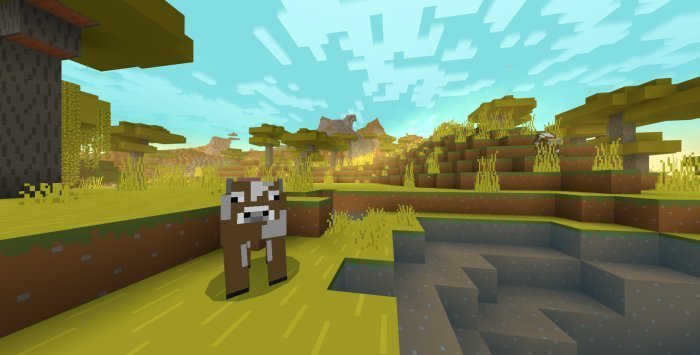
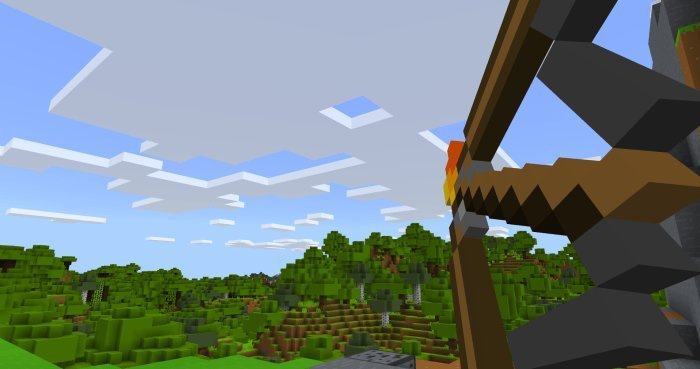
The Bare Bones Texture Pack PvP is a lightweight and colorful pack designed to make Minecraft Bedrock Edition smoother and easier to play during PvP battles. Created by RobotPants, this PvP add on was released on MCPEDL on January 27, 2020, and is an upgraded version of the original Bare Bones Texture Pack. It keeps the same bright and clean style but adds new PvP friendly changes like short swords, outlined ores, and extra particles for combat. With its 16x resolution, the pack runs perfectly on any device and gives you higher FPS with no lag. Whether you play Bedwars, Skywars, or other PvP modes, this version is built to help you fight faster and more clearly while keeping the game looking smooth and simple.
Before you install the PvP add on, you’ll need to make sure your Minecraft Bedrock version is supported. The pack works with version 1.14 and newer, including updates like 1.20 and 1.21. To check your version, open Minecraft and look at the bottom right corner of the main menu. If your version is older, update your game from the Microsoft Store, App Store, Google Play, or your console’s update menu. Updating first will help avoid any issues when installing the packs.
Once your game is ready, it’s time to find the right download source. The official and safest place to get the Bare Bones Texture Pack PvP is from MCPEDL. Search for “Bare Bones PvP Texture Pack Minecraft Bedrock” on Google or Bing, and click the MCPEDL link from RobotPants. You’ll see two separate downloads on the page: one for the base Bare Bones Texture Pack and another for the PvP add on. Download both .mcpack files. The base pack gives Minecraft its cartoon look, while the PvP version adds combat improvements on top. Save both files to your Downloads folder.
The file size for each pack is small, usually under 5MB, so it won’t take long to download. On computers, they’ll go straight to your Downloads folder. On iOS or Android, choose the same folder when asked where to save. Console players will need to download the packs on a PC or phone first and then move them over later using a USB drive or the Xbox app.
To install the packs, start with the base Bare Bones pack. Find the .mcpack file on your device and double click it. Minecraft Bedrock will open and start importing the pack automatically. Once that’s done, repeat the same steps with the Bare Bones PvP .mcpack file. Importing the PvP version second ensures it layers correctly over the base pack. When both imports are complete, Minecraft will show messages saying “Successfully imported Bare Bones” and “Successfully imported Bare Bones PvP.” Both will now appear in your resource pack list.
On mobile devices, open your downloads app or file manager, tap the files one by one, and confirm when Minecraft opens to import. For console players, transfer both packs first. Xbox users can use the Xbox app or a USB drive to move the files. PlayStation and Nintendo Switch players can use cloud storage or a file explorer app compatible with Minecraft Bedrock Edition. Make sure to import the base pack first, then the PvP pack.
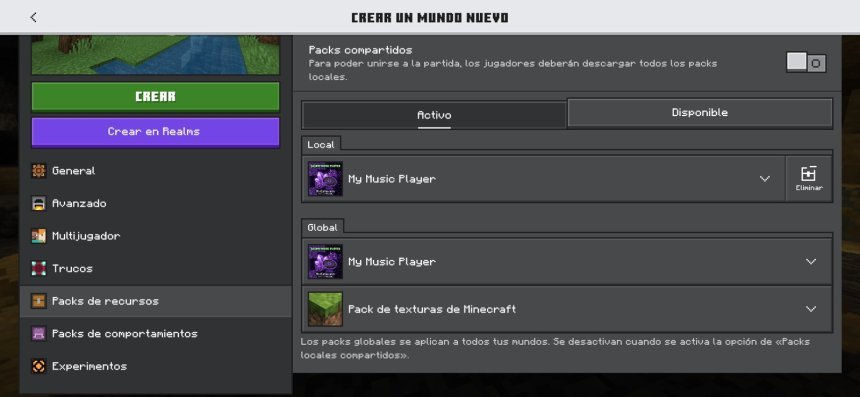
Once both packs are imported, you’ll need to activate them. From the Minecraft main menu, go to Settings, then open Global Resources under the General tab. Under Available Resource Packs, you should see both Bare Bones and Bare Bones PvP. Click the plus sign next to Bare Bones to move it into Active Resource Packs. Then do the same with Bare Bones PvP, but make sure it’s above the base pack in the list. The order matters—the PvP pack needs to be higher so its features override the original textures. When both are active, exit the settings. The packs will automatically load when you open a world or join a server.
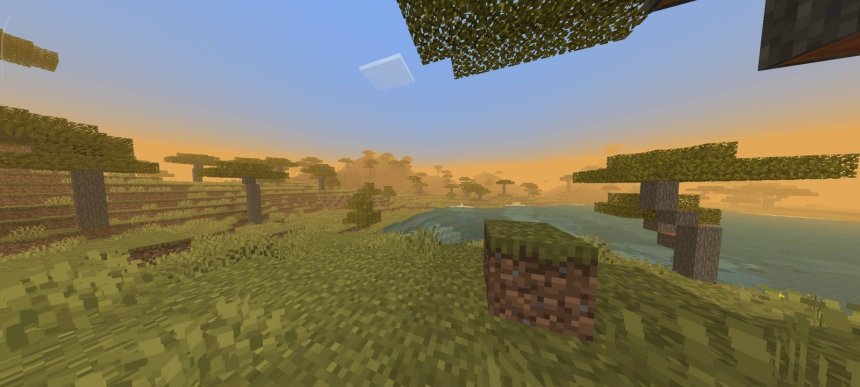
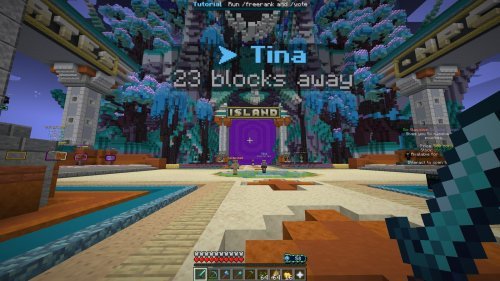
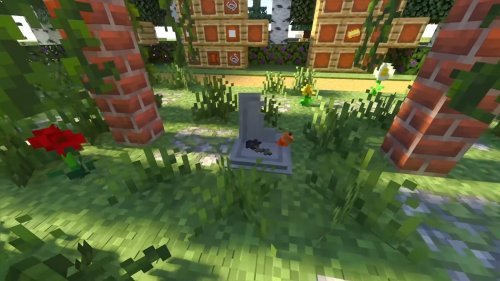
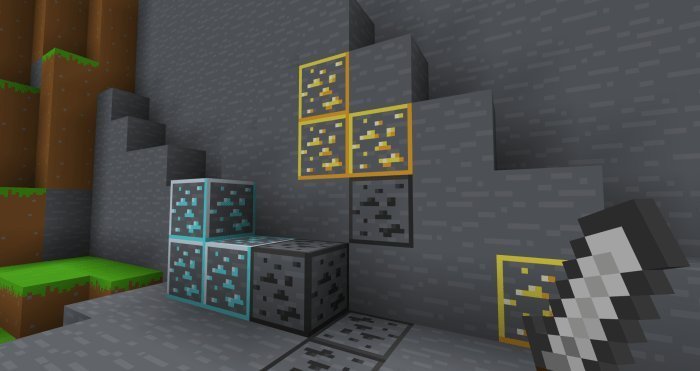
Now it’s time to test them in a real match. Join a PvP server like CubeCraft or The Hive, or open one of your own worlds. You’ll immediately notice the difference. The blocks look bright and clean, ores are outlined for easier visibility, and swords are shorter, making them easier to use during combat. The extra particles and smoother animations make fights look better without affecting performance. Since the pack uses only 16x textures, it runs fast even on mobile and low end devices. Many players like this version because it keeps Minecraft looking simple while helping them perform better in fast paced PvP modes.
If the pack doesn’t look right, check that both versions are active and that the PvP pack is above the base one. If Minecraft doesn’t import them, make sure you updated the game and that you opened the .mcpack files correctly. If something looks broken or missing, re download both packs from MCPEDL and import them again. Console players should double check that the transfer process was done properly.
The Bare Bones PvP add on is special because it takes the charm of the original Bare Bones pack and adds competitive features without losing its simplicity. The minimal textures help you see everything clearly, which gives a small but real advantage in battles. Outlined ores make mining faster, and short swords (daggers) make fighting smoother and less visually cluttered. Combined with bright colors and clear shapes, it’s one of the easiest packs to play with for long sessions.
Because it’s so light, the pack runs great on every platform including Windows, consoles, and mobile devices. It’s ideal for anyone who wants clean visuals and top performance without unnecessary details. You can also stack it with other small add ons or shader packs if you want to customize your look even more, as long as Bare Bones PvP stays on top of the list.
If you ever want to turn it off, go back to Global Resources and click the minus icon next to each pack. That deactivates them but keeps them installed in case you want to use them again later. It’s a good idea to keep the files saved so you can re enable them anytime.
In short, downloading and installing the Bare Bones Texture Pack PvP for Minecraft Bedrock Edition is fast and simple. Update your game, download both the base and PvP .mcpack files from MCPEDL, install them in order, and activate them in Global Resources with PvP on top. After that, jump into your favorite Bedwars or Skywars match and enjoy smoother performance, faster fights, and a cleaner look. The Bare Bones PvP pack proves that sometimes less really is more when it comes to competitive Minecraft gameplay.
Share
What's Your Reaction?
 Like
0
Like
0
 Dislike
0
Dislike
0
 Love
0
Love
0
 Funny
0
Funny
0
 Angry
0
Angry
0
 Sad
0
Sad
0
 Wow
0
Wow
0