MCPE FPS+ Texture Pack: Boost Performance & Clarity
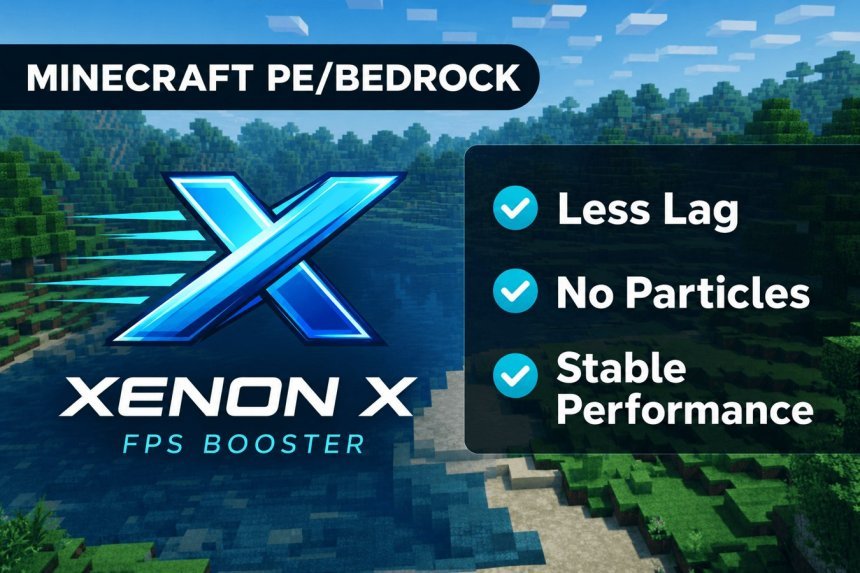
MCPE FPS+ is a Bedrock Edition resource pack that boosts frame rates and visual clarity. Optimized assets, transparent UI, and simplified textures reduce lag on mobile and console.


Created by EaglShorts01
MCPE FPS+ is a resource pack built for Minecraft Bedrock Edition that prioritizes frame rate performance without sacrificing how the game looks. Created by EaglShorts01, this pack strips away visual complexity and optimizes file size so your device can render the world faster on mobile, tablet, or console.
If you've been hunting for an minecraft mcpe fps boost or wondering how to get better performance on Pocket Edition, this pack takes a direct approach: simplified textures, cleaner UI elements, and reduced visual clutter that all add up to smoother gameplay.
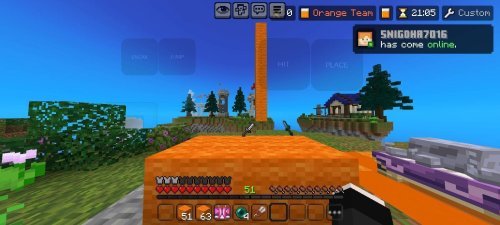
Photos by EaglShorts01
Why FPS matters in Minecraft Bedrock
Frame rate directly affects how responsive your controls feel and how smoothly mobs and players move around you. On mobile devices especially, a stable 30 or 60 FPS makes combat feel responsive and farming less choppy. Most players don't realize that visual complexity has extra detail in textures, particle effects, and UI elements that drains performance without adding much to the actual game.
An FPS counter for MCPE will show you the difference immediately. You'll notice smoother animation during mining, clearer sightlines when PvPing, and less stuttering when loading new chunks.
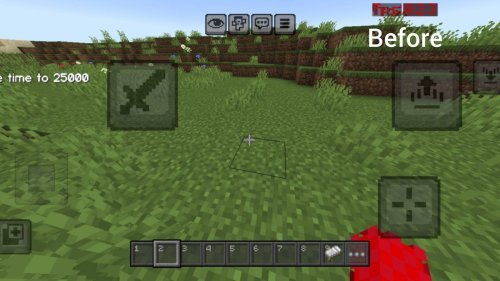
What MCPE FPS+ actually changes
This pack changes specific visual elements that impact both performance and clarity. It doesn't remove core gameplay.
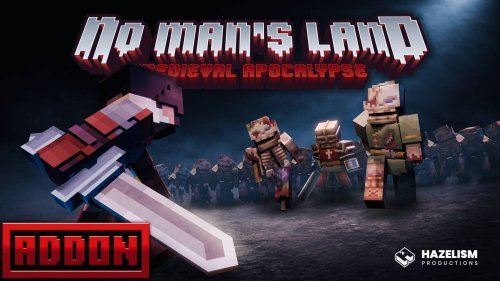
- Sword models are redesigned for better visibility during combat so you can see what you're hitting and where your opponent is standing
- Sky texture is simplified, reducing memory load without making the sky look broken
- UI buttons on touch controls are streamlined and easier to tap without mistakes
- Chat interface gets a visual cleanup so text is easier to read in fast-paced moments
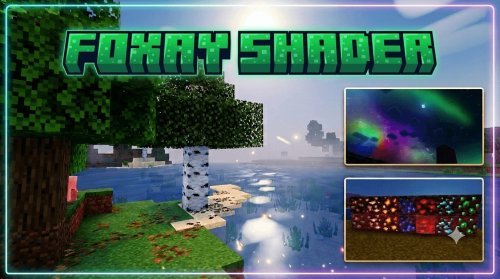
- Fog effect uses a blue tint that feels natural and helps with draw distance perception
- Overall file size is trimmed and assets are optimized, which means faster loading and less RAM usage
The result is a pack that feels intentional, not stripped-down. You're looking at a version that got unnecessary stuff out of the way.
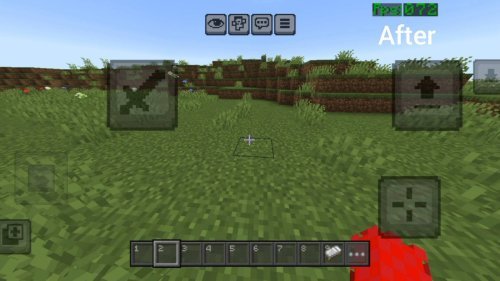
Performance gains on different devices
On older phones or tablets, this pack can mean the difference between 15 FPS and 30 FPS during intense moments. The reduced visual clutter helps weaker GPUs keep up with fast-paced survival or PvP. Even on newer devices, you might unlock 60 FPS options that weren't stable before.
Console players on Xbox and PlayStation running Bedrock see steadier frame times because the pack doesn't fight against your hardware the way heavily detailed packs do. The optimization applies across all Bedrock platforms.
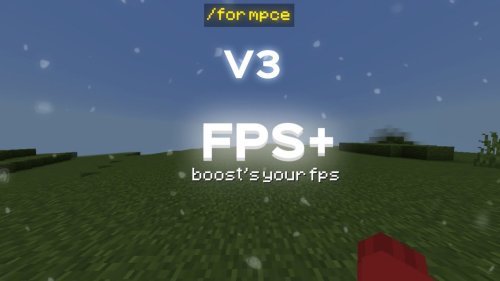
PvP and survival modes both benefit
The improved sword visibility makes a real difference in combat. You can see your sword's arc more clearly, making it easier to land hits and dodge incoming attacks. In survival mode, the streamlined touch controls mean fewer accidental button presses when you're trying to place blocks or open your inventory in tight situations.
The simplified textures and reduced fog clutter also make it easier to spot other players from a distance, which matters if you're playing on a multiplayer server.
How to install MCPE FPS+
Installing a resource pack on Bedrock Edition takes a few steps depending on your device, but it's straightforward.
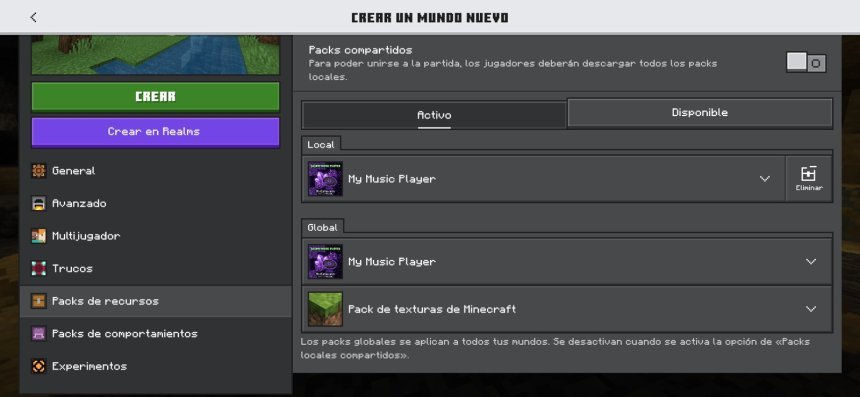
The pack comes as an .mcpack file. On most devices, you can simply open the file and Minecraft will launch automatically and import the pack into your resource folder. Once it's imported, go to Settings in any world, scroll to Resource Packs, and activate MCPE FPS+ above the default textures.
If you're on a device where files don't open that way, you can manually extract the pack contents into your Bedrock resource folder, but the .mcpack method is faster.
Make sure you create a new world or test it on a backup first if you're playing a world you care about. Resource packs don't erase anything, but it's good practice.
Common questions about MCPE FPS+ and performance packs
Does MCPE FPS+ work on all Bedrock devices?
Yes, it's built specifically for Minecraft Bedrock Edition, which runs on Windows 10 and 11, mobile (iOS and Android via Pocket Edition), Nintendo Switch, Xbox, and PlayStation. Install the same way on each platform.
Can you still get Minecraft Pocket Edition and use fps packs?
Minecraft Pocket Edition is now called Minecraft for mobile or Minecraft Bedrock on phone or tablet. You can still buy it on the app store, and resource packs like this one work exactly the same way. Bedrock Edition is the current standard Minecraft client on all platforms except Java.
Will this pack make Minecraft look bad?
No. The textures are still recognizable and the world looks clean. You're losing unnecessary detail, not the core visual style. Many players actually prefer how simple and clear everything looks.
How much of an fps boost should I expect on mobile?
It depends on your device and what you were getting before. Older devices might jump from 20 FPS to 40 FPS. Newer phones might unlock stable 60 FPS in situations where they were dipping to 45-50 FPS before. Download an FPS counter app or use Minecraft's built-in performance metrics to see your own device's improvement.
Share
What's Your Reaction?
 Like
0
Like
0
 Dislike
0
Dislike
0
 Love
0
Love
0
 Funny
0
Funny
0
 Angry
0
Angry
0
 Sad
0
Sad
0
 Wow
0
Wow
0