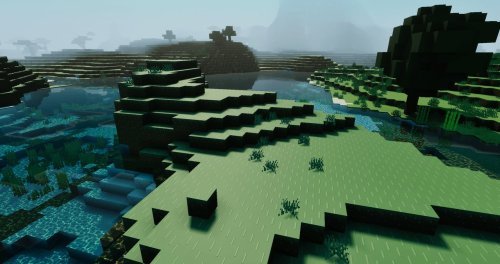
Sonic The Hedgehog 4D Skin Texture Pack for Minecraft Bedrock
Play as Sonic in Minecraft Bedrock with this 4D texture pack skin. Features animations, multiple variants, and character editor support for MCPE.

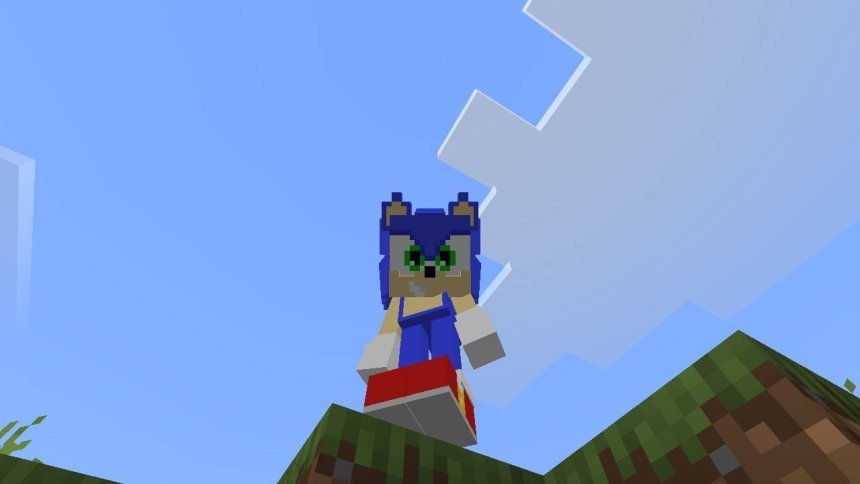
Created by HikariSyn
Sonic The Hedgehog 4D Skin is a texture pack that swaps your Minecraft player model for Sonic the Hedgehog, complete with dimensional visual effects. Created by HikariSyn, this pack replaces the default character with an animated Sonic skin that includes blinking and multiple style variants you can switch between on the fly.
If you've ever wanted to tear through the Minecraft world as the famous speedster, this texture pack makes that happen. The catch? It's client-side only, meaning only you'll see it on your screen. Other players will still see your original skin, but that doesn't stop the fun on your end.
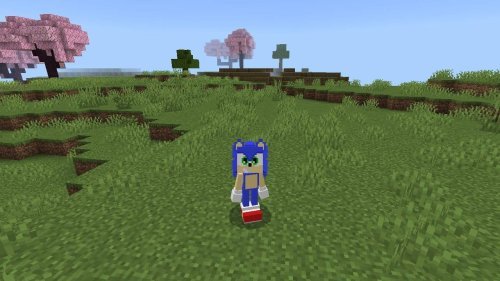
What you get with this Minecraft Bedrock skin
The pack includes more than just a static model swap. HikariSyn built in actual animation, so Sonic blinks as he moves around the world. The four-dimensional visual effects add a layer of polish that goes beyond a simple character swap.
You also get flexibility. Multiple skin variants come included with the texture pack, so you can pick which version of Sonic you want to become. Whether you prefer the classic look or a different take, the choice is there.
- Animated blinking on the character model
- Four-dimensional visual effects
- Multiple skin variants to choose from
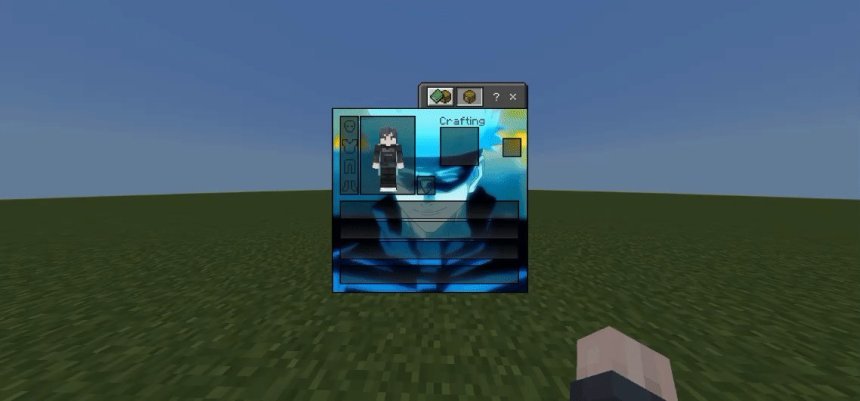
- Works with Minecraft's character editor
- Client-side installation (no server changes needed)
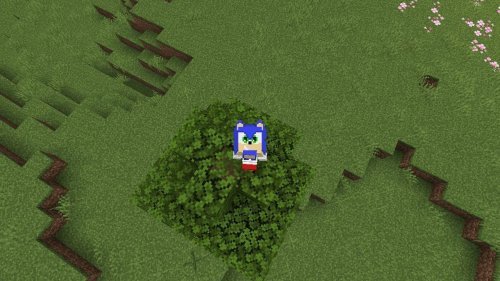
Photos by HikariSyn
How to install on MCPE and Bedrock
Getting this running is straightforward. First, install the texture pack through your Minecraft launcher. Once it's in your texture packs folder, open Minecraft and head to the character editor.
Select one of the Sonic character skins from the editor menu. After you've picked your variant, the skin activates immediately. If you want to switch between the included variants later, just visit the textures menu in your settings and toggle through the texture pack options.

The visual style and animations
The 4D effects are what make this pack stand out from a basic skin swap. The dimensional layering adds depth to Sonic's appearance that flat textures can't quite nail. Paired with the blinking animation, it feels more alive than a static player model.
The texture work holds up in both daylight and dimly lit areas. The color grading on Sonic's blue stays consistent across different lighting conditions, which matters more than you'd think when you're underground at Y-level 12.

Why other players won't see your Sonic skin
This is the one limitation worth understanding upfront. Because the pack modifies the player structure itself, it only works on your client. Other players joining your world or a server will see you as your original skin, not as Sonic.
This is a technical constraint, not a bug. The texture pack can't rewrite how other players' games render your character. It's purely a visual change on your machine, which also means it doesn't break any server rules or require special permissions to use.
Switching between Sonic variants
The pack gives you options beyond just one Sonic design. You can access different variants through the texture pack settings menu. Jump into your textures options and you'll find the toggle for switching between the included styles.
This means you're not locked into one look for your entire playthrough. If you get bored with one variant, switching takes about 10 seconds.
Frequently asked questions
Does the Sonic 4D skin work in multiplayer servers?
Yes, you can use it on multiplayer servers. Only you see the Sonic skin on your screen, so it won't cause any conflicts. Other players still see your original skin, and you see theirs normally too.
Can I use this Sonic skin with other texture packs?
No. This is a full character replacement, so it replaces your player model entirely. You'd need to choose between this pack or another one that modifies player appearance. You can still layer it with packs that change blocks or the environment.
What Minecraft versions support this Sonic texture pack?
It's built for Minecraft Bedrock Edition and MCPE. As long as you're on a recent version of Bedrock, the pack should work. Check the pack's version tag to confirm compatibility with your specific version number.
Will other players know I'm using a Sonic skin?
They won't see it unless you tell them. Your actual skin appears on their screens, so there's no way for them to know from gameplay alone that you have the mod active.
Share
What's Your Reaction?
 Like
0
Like
0
 Dislike
0
Dislike
0
 Love
0
Love
0
 Funny
0
Funny
0
 Angry
0
Angry
0
 Sad
0
Sad
0
 Wow
0
Wow
0