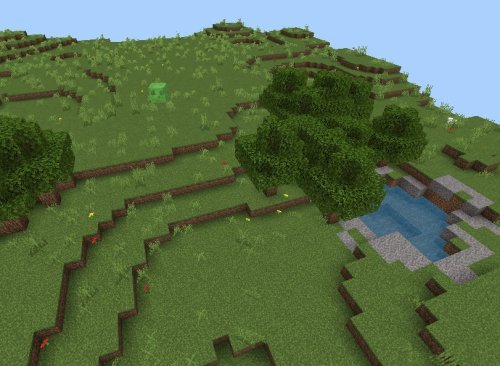
Best Shaders for Minecraft PE 2026: Vibrant Visuals Review
Vibrant Visuals is a top shader pack for Minecraft PE that boosts color saturation, contrast, and lighting. Read our full review of this best MCPE shader for 2026.

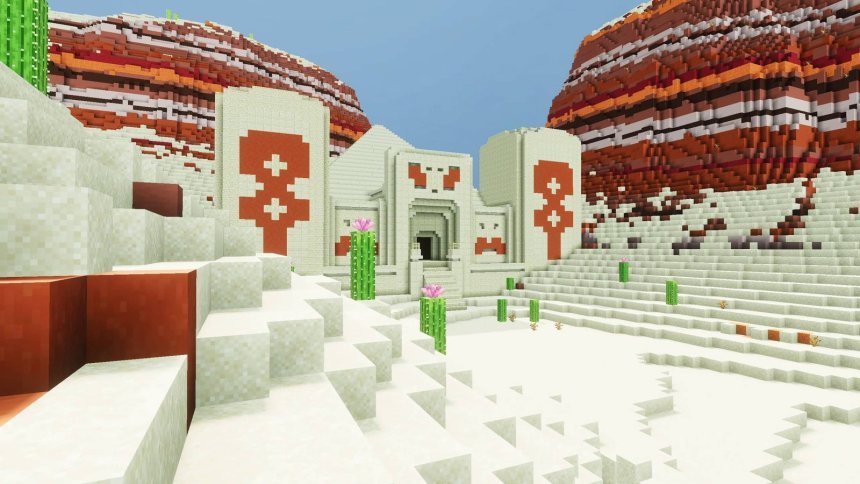
Created by Mod MCPE
Vibrant Visuals is a shader pack for Minecraft Bedrock that transforms how the game looks by pumping up color saturation, contrast, and lighting quality. If you've been wondering which is the best shaders for Minecraft PE, this one deserves a serious look, especially if you want cinematic lighting without sacrificing playability on mid-range devices.
Created by Mod MCPE, this pack sits somewhere between pure eye candy and practical performance. It's not a ray-traced overhaul that tanks your frame rate. Instead, it uses tone mapping and atmospheric effects to make vanilla Minecraft look sharper, richer, and more intentional. The colors pop. The lighting feels consistent. It's the kind of upgrade that makes you notice the game differently without making it unrecognizable.
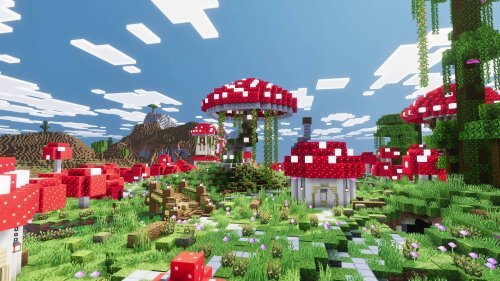
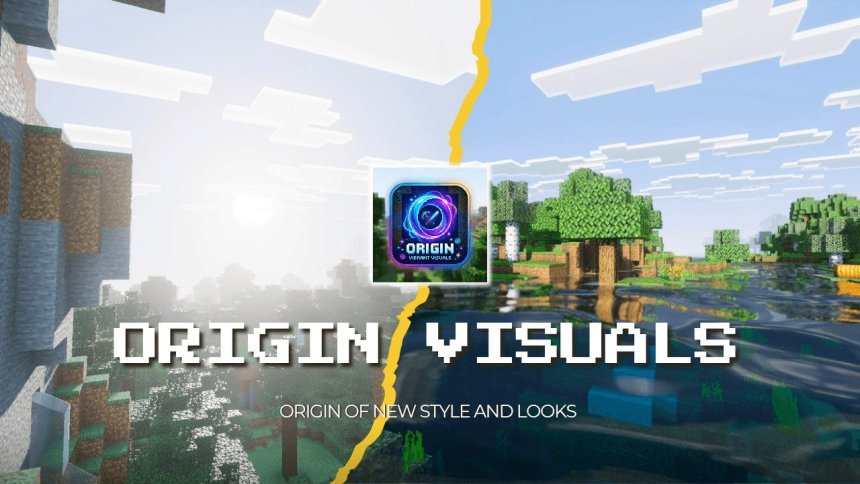
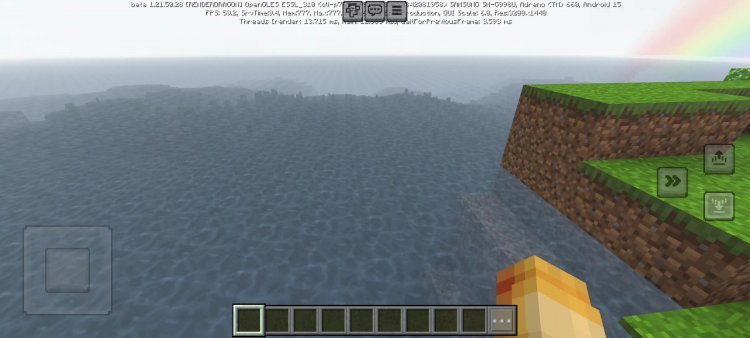
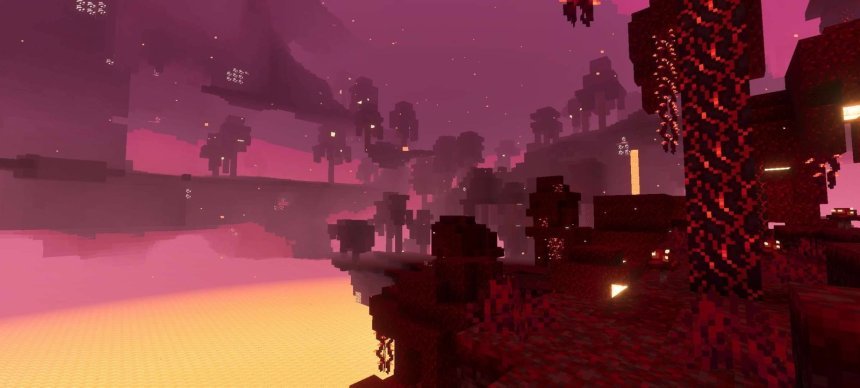
Photos by Mod MCPE
What makes Vibrant Visuals one of the best shader packs for Minecraft PE
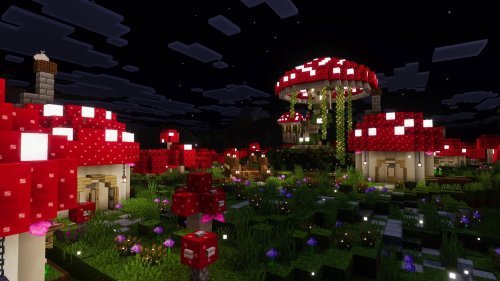
The core appeal here is the visual tuning. Vibrant Visuals doesn't add new content or change how blocks work. Instead, it recalibrates what you're already seeing. The pack uses ACES tone mapping and custom color grading to give everything a film-like quality. It sounds technical, but the result is simple: your base looks better, sunsets look better, and water actually looks like water.
The lighting changes are the biggest win. Noon light stays consistent throughout the day instead of washing everything out at peak brightness. Torches, lanterns, and campfires now emit their own color properly, so a torch underground actually looks warm instead of generic. Volumetric fog creates depth, especially in forests and caves, because light interacts with particles in the air instead of just bouncing off blocks.
Key features that set it apart
- ACES tone mapping with custom color grading for a cinematic look
- Atmospheric settings tailored to over 80 biomes, including the newest ones
- Volumetric fog with light transmission and scattering
- Two shadow styles via subpacks: Soft Shadows for quality or Blocky Shadows for better frame rates
- Customized emissive colors for light sources like torches and lanterns
- Physically-modeled water waves with caustics reflections
- Improved noon lighting that stays even across the day
Shadow options: performance vs. quality
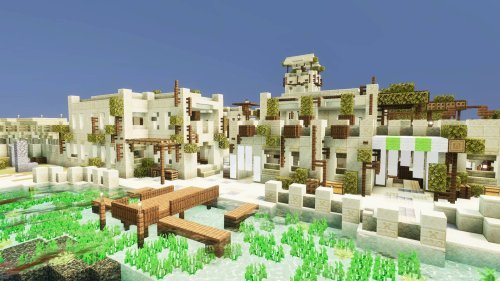
The pack comes with two main subpacks, and which you pick matters for performance. The Soft Shadows version looks more polished but demands more from your device. If you're on a phone or older tablet, go for Blocky Shadows instead. It's still a visual step up from vanilla, and you'll actually maintain playable frame rates. Most players on standard mid-range hardware find Blocky Shadows the sweet spot.
Is Vibrant Visuals the right shader for your device?
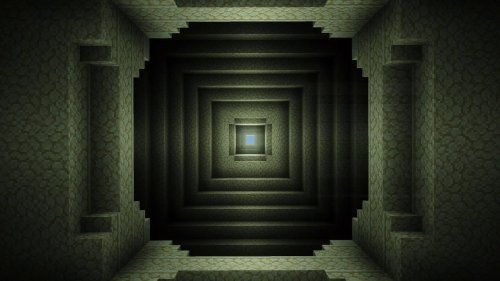
Installation hints point you toward the right balance. The shader recommends activating it via world settings, setting Graphics Mode to Vibrant Visuals, resolution to Native for quality, and using Favor Performance mode unless you're running on top-tier hardware. This isn't a shader that demands a flagship phone. It's designed to work on the same devices that already run Bedrock smoothly.
That said, if you're looking for the most realistic shaders for Minecraft PE, understand what realistic means here. Vibrant Visuals doesn't photorealism. It's more saturated and contrasty than real life. Colors are bolder. Lighting is more dramatic. It leans into the blocky aesthetic while making it look intentional.
How to install Vibrant Visuals shader on Minecraft Bedrock
Installation is straightforward on any Bedrock device. The shader comes as an .mcpack file. Open it, and Minecraft will import it. Then create a new world or open an existing one. Go to world settings, find Video Settings, and select Vibrant Visuals as your Graphics Mode. Set resolution to Native if you want full quality. Choose between Favor Performance and Favor Graphics depending on your device. Start the world, and the shader loads.
If you're recording or streaming content, know that credit and proper attribution are required, but the creator allows it. Redistribution or editing without permission is off-limits.
Common questions about best shaders for Minecraft PE
Can you get shaders on Minecraft PE?
Yes. Bedrock Edition (which includes Pocket Edition) supports shader packs. You install them as resource or behavior packs, activate them in world settings, and they apply immediately.
What's the difference between Vibrant Visuals and Lunac Shaders?
Vibrant Visuals is considered the spiritual successor to Lunac. It builds on similar principles but with updated biome settings, better water physics, and improved tone mapping for 2026 standards.
Which shadow style should I use on mobile?
Blocky Shadows runs better on phones and tablets. Soft Shadows looks nicer but is overkill unless you have a high-end device or are playing on PC.
Does this shader work with ray tracing?
No. Vibrant Visuals uses traditional rasterization techniques. It's faster and compatible with more hardware than ray-traced alternatives.
Share
What's Your Reaction?
 Like
0
Like
0
 Dislike
0
Dislike
0
 Love
0
Love
0
 Funny
0
Funny
0
 Angry
0
Angry
0
 Sad
0
Sad
0
 Wow
0
Wow
0