Vors FPS Booster Texture Pack for Bedrock & MCPE
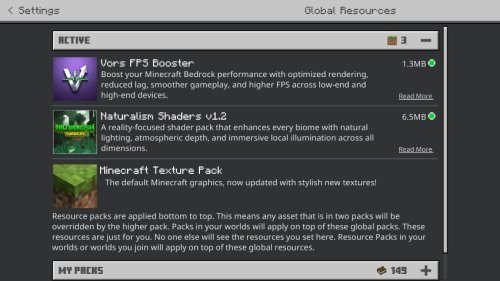
Vors FPS Booster is a lightweight texture pack for Bedrock that cuts GPU load without sacrificing looks. Simplifies particles, ores, and effects to boost frame rate on any device.

Created by Vortexlab
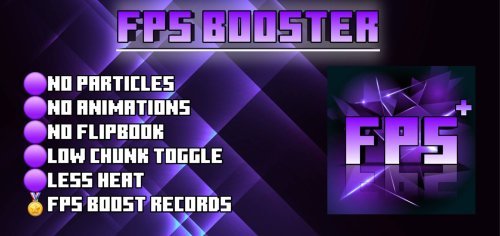
Vors FPS Booster is a texture pack that reduces GPU load on Minecraft Bedrock and Pocket Edition by simplifying visual elements across the game. It targets specific high-cost graphics like particles, ore details, and enchantment effects, then rebuilds them to render faster without making the game look worse.
If your device struggles to hold 60 FPS on lower settings, or if you run shaders and extended render distance but your frame rate tanks, this pack can help. Created by Vortexlab, it's a practical option for anyone tired of choosing between looking good and playing smoothly.
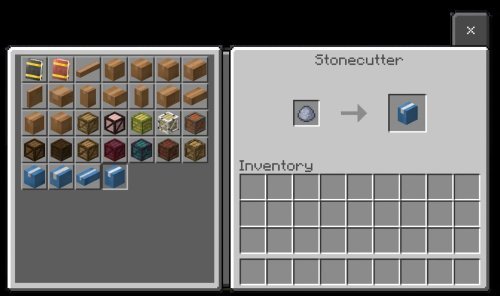
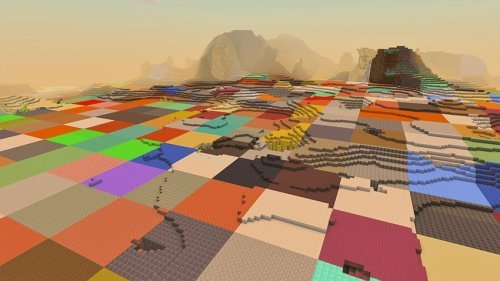
Photos by Vortexlab
What gets optimized in Vors FPS Booster
The pack doesn't touch everything equally. Vortexlab focused optimization where it matters most for GPU overhead: the effects and textures that update frequently or render at distance.
- Particle effects (fire, smoke, explosions, spells) lose complexity but keep their purpose clear
- Ore and deepslate ore textures flatten detail levels without becoming unrecognizable
- Enchantment glint animation runs on a simpler cycle
- Sun, moon, and weather textures streamline without losing atmosphere
- Glass, observers, and standard terrain blocks optimize for faster rendering
- Grass and foliage colormaps stay true to the original
The result is a pack that still looks like Minecraft. You're not playing a desaturated console port; you're playing the normal game that just renders quicker.
Performance gains on different devices
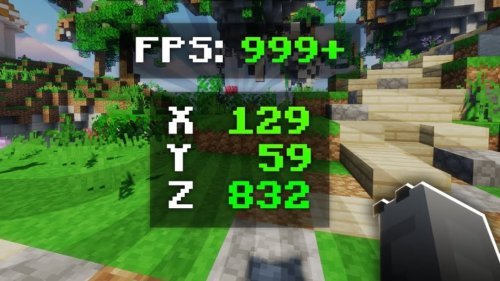
Vors FPS Booster works well for two groups of players with different needs. On lower-end phones and tablets, the frame rate bump is noticeable. If you own a device that hovers around 30-40 FPS on default settings, this pack can push you closer to 50-60. The difference is small on paper but real in feel when you're actually playing and the game responds faster to your input.
High-end device owners see different benefits. If you've installed a shader pack and cranked render distance to 16 or 20 chunks, your GPU maxes out even on flagship hardware. Vors FPS Booster reduces the base texture workload, leaving more headroom for the shader to do its thing. You keep the improved lighting and water effects without dropping frames every time you spin around.
Shader pack compatibility and stacking
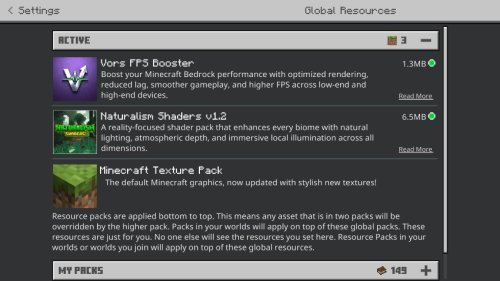
One of the smartest design choices Vortexlab made is keeping the pack compatible with other texture and shader packs. You can layer Vors FPS Booster under a shader pack without conflicts. The simplified textures become the base layer, and the shader's code handles the rest.
This flexibility matters because most players want performance with the look they paid for. Vors FPS Booster gets out of your way and lets you build that combination yourself.
Visual consistency and what stays unchanged
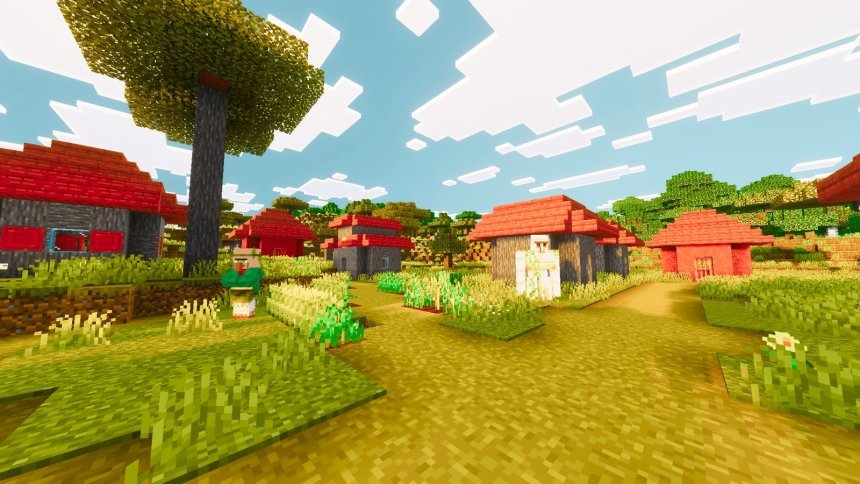
The pack preserves the color schemes of grass and foliage across all biomes. If you're worried the optimization will flatten your world into a dull gray wasteland, it won't. Biomes still have their distinct green tones, deserts stay tan, and dark oak forests read as dark. The subtlety is there. What's gone is the unnecessary geometric detail that your GPU was rendering but your eye wasn't actually processing.
This balance between cutting load and keeping aesthetics is what separates Vors FPS Booster from crude performance packs that just delete everything interesting. It's optimization that respects your playstyle.
Who should use Vors FPS Booster
Install this pack if any of these apply to you:
- You own a mid-range phone or tablet and want smoother gameplay without a new device
- You're using a shader pack but your frame rate drops below 30 FPS in open areas
- You like to play with render distance turned high and textures set to fancy
- You want a performance boost but aren't willing to sacrifice how the game looks
You probably don't need it if you're already hitting 60 FPS on max settings on a current-generation phone, or if you play pure vanilla and are happy with your frame rate. Vors FPS Booster is meant to solve a specific problem, not make a fast experience faster.
How to install Vors FPS Booster on Bedrock
The pack comes as an .mcpack file. Download it to your device, then open it with Minecraft. The game automatically detects it and imports the pack into your texture pack folder. Once imported, create a new world or edit an existing one, go to resource packs, and toggle Vors FPS Booster to active. Move it to the top of the list if you're stacking it under a shader.
On mobile devices, the file may land in your Downloads folder first. Tap it from there, and Minecraft takes over. On console or Windows, the same process applies. Download, open with Minecraft, add to a world.
Common questions about Vors FPS Booster
Will Vors FPS Booster work on my low-end phone or tablet?
Yes. If your device struggles with the default textures, this pack is designed for exactly that situation. You'll see smoother frame rates, especially during busy moments like mining multiple ore blocks at once or walking through particle-heavy areas.
Can I use this pack with a shader pack installed?
Yes. The pack is built to stack under shaders and other texture packs without issues. Load Vors FPS Booster first in your resource pack list, then add your shader on top.
Does Vors FPS Booster change how mobs or items look?
No. The optimization focuses on static blocks, particles, and environmental effects. Mobs and items keep their standard appearance, so inventory management and mob identification aren't affected.
How much FPS improvement should I expect?
Results vary by device. On lower-end hardware, expect 10-20 FPS improvement. On high-end devices using shaders, the gain stabilizes your frame rate rather than boosting it dramatically. The real benefit is consistency, fewer frame drops when lots is happening on screen.
Share
What's Your Reaction?
 Like
0
Like
0
 Dislike
0
Dislike
0
 Love
0
Love
0
 Funny
0
Funny
0
 Angry
0
Angry
0
 Sad
0
Sad
0
 Wow
0
Wow
0