Power Stick Minecraft: Craftable Addon for Bedrock
Power Stick is a Minecraft Bedrock addon that adds a craftable item with unique abilities. Created by just minecraft player, it works in survival mode with custom scripting.

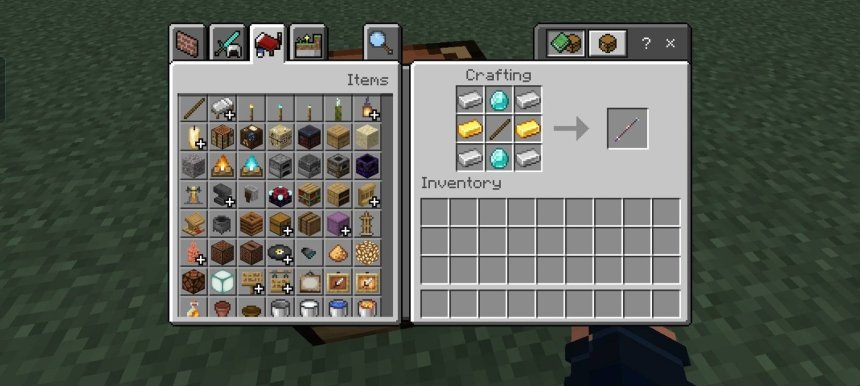
Created by just minecraft player
Power Stick is a Minecraft Bedrock addon that adds a single craftable item designed to give you new abilities in survival mode. Created by just minecraft player, it uses Bedrock's scripting system to integrate a custom tool that feels like a natural part of the game.
If you're looking for straightforward MCPE addons that don't overwhelm you with thousands of new blocks and mobs, this one keeps things focused. The Power Stick does one thing and does it through the standard crafting table, which means minimal friction when you're playing.
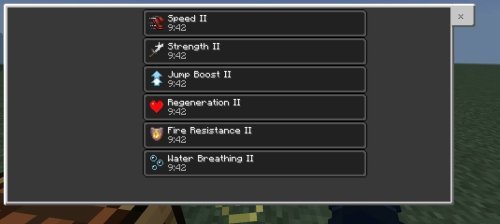
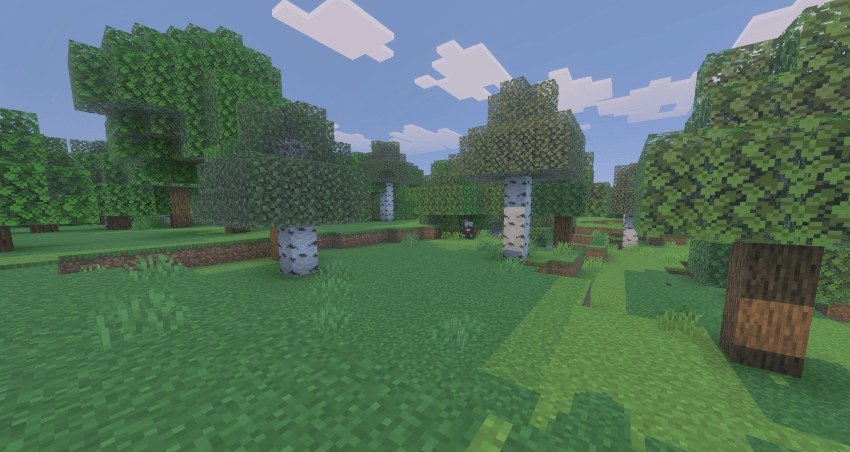
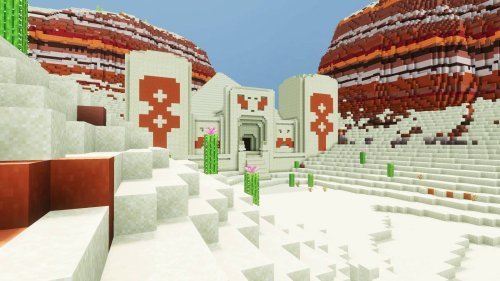
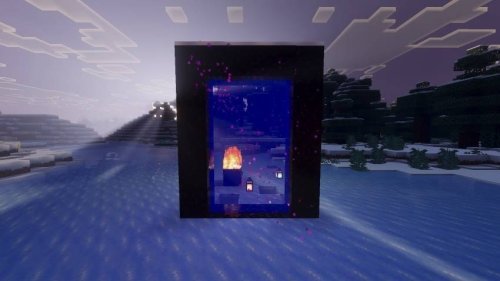
Photos by just minecraft player
What exactly is the Power Stick?
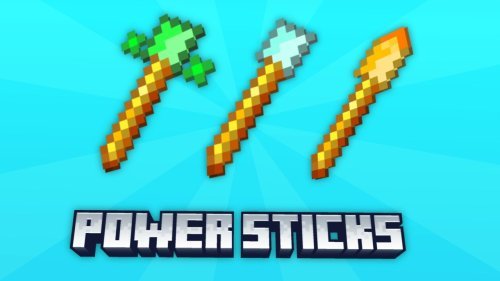
The Power Stick is a custom item you craft in survival mode using materials you already gather. It has its own unique texture so you'll recognize it in your inventory. The real meat is what it does when you use it, courtesy of the addon's built-in Bedrock scripting.
Rather than throwing a bunch of cosmetic stuff at you, this addon focuses on gameplay mechanics. The item works through Minecraft Bedrock's scripting layer, which means it behaves consistently and doesn't require workarounds or janky command blocks to function.
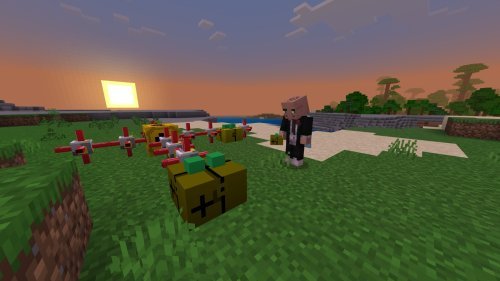
How Power Stick changes your survival playthrough
Most Minecraft addons for Bedrock either add decoration or completely overhaul your world. The Power Stick sits in the middle. It's an obtainable item that fits into survival progression. You aren't forced to use it, but once you craft one, it becomes a tool you'll want to have on you.
The addon doesn't add new biomes, mobs, or massive structures. What it does is give you a new item to work toward crafting, which creates a small goal within your survival world. This is the kind of addon that works well alongside other packs or completely on its own.
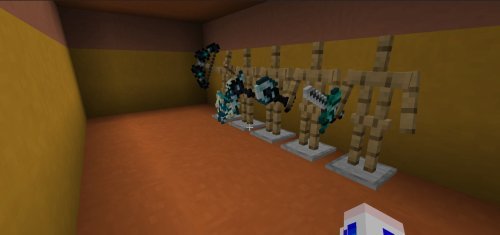
Installation and setup for Bedrock
Getting Power Stick running is straightforward if you know the steps. The addon comes as a .mcaddon file, which is Minecraft's native format for Bedrock add-ons.
- Download the PowerStick.mcaddon file to your device
- Double-click (or tap on mobile) to import it into Minecraft
- Open a world and go to settings
- Enable the Behavior Pack in the Packs menu
- Enable the Resource Pack in the Packs menu
- Turn on Beta APIs in Experimental Gameplay settings
- Turn on Experimental Gameplay in world settings
- Save and load your world
The Beta APIs toggle is important. Bedrock's scripting system lives behind that experimental flag, so you need it enabled for the Power Stick to work. Once you flip those switches and save, the item should be craftable.
Technical details: how it works
The Power Stick is built on Bedrock's scripting system rather than older command block methods. This means the addon is more stable and performs better than alternatives that rely on tick loops and constant command execution.
The addon includes both a Behavior Pack (the rules and mechanics) and a Resource Pack (the textures and sounds). English localization is included, so the item name and description will appear correctly in your inventory. Everything integrates into the standard crafting table interface, so there's no new UI to learn.
Best addons to pair with Power Stick
Power Stick works well solo, but if you're building out your addon collection for 2026, consider what complements it. Decoration packs, building block addons, and quality-of-life improvements won't interfere. Other scripting-based addons should work alongside it without conflicts, though you might want to test in a backup world first.
The addon respects the vanilla survival experience, so it won't clash with packs that add new food, tools, or enchantments. It's designed to be a quiet addition to your game rather than a total overhaul.
Performance on different devices
Because the Power Stick uses Bedrock's native scripting rather than workarounds, it should run smoothly on most devices. The single custom item won't tank your FPS, and the Resource Pack is minimal in size.
On older phones or lower-end tablets, you might notice a tiny hitch when you first craft or use the item as the script initializes. On modern hardware, it's imperceptible. The addon doesn't add render-heavy particles or constant background processes.
Frequently asked questions
What do I craft the Power Stick with?
The addon includes a specific crafting recipe you'll discover once you enable it and load your world. The materials are meant to be reasonably attainable in survival mode without requiring rare items.
Do I need to enable experimental features to use this MCPE addon?
Yes. The Power Stick relies on Bedrock's Beta APIs and Experimental Gameplay to function. You'll need both toggles on in your world settings, which is why it's important to do this step during installation.
Is Power Stick compatible with other best Minecraft addons for Bedrock?
Most addons will work fine alongside it. The Power Stick uses Bedrock scripting, so it plays well with other packs that add items, blocks, or entities. Always test in a backup world if you're stacking multiple complex addons.
Does Power Stick work in multiplayer or Realms?
If everyone in your world has the addon enabled and experimental features turned on, yes. Each player needs the pack installed for consistency. On Realms, it should work as long as you upload the addon as part of your world settings.
Share
What's Your Reaction?
 Like
0
Like
0
 Dislike
0
Dislike
0
 Love
0
Love
0
 Funny
0
Funny
0
 Angry
0
Angry
0
 Sad
0
Sad
0
 Wow
0
Wow
0