World Edit Mod for Minecraft Pocket Edition (MCPE)
Learn how the World Edit Mod changes Minecraft Pocket Edition by giving players powerful tools to build, copy, and shape worlds faster than ever before. Perfect for builders who want total creative control.

The World Edit Mod for Minecraft Pocket Edition is one of the most powerful tools ever made for builders. Minecraft has always been about creativity, exploration, and freedom, but World Edit takes those ideas to another level. With this mod, players can instantly create, edit, and reshape their worlds using simple commands and tools. Whether you want to make mountains, cities, or detailed structures, World Edit helps you do it faster and more efficiently than ever before.
Originally made for the PC version of Minecraft, World Edit has since been adapted for mobile and Bedrock players. Now, Minecraft PE players can enjoy the same editing power that once only Java players had. The mod gives you precise control over the world, letting you change thousands of blocks at once instead of placing them one by one. This makes it perfect for anyone who enjoys large scale building or world design.
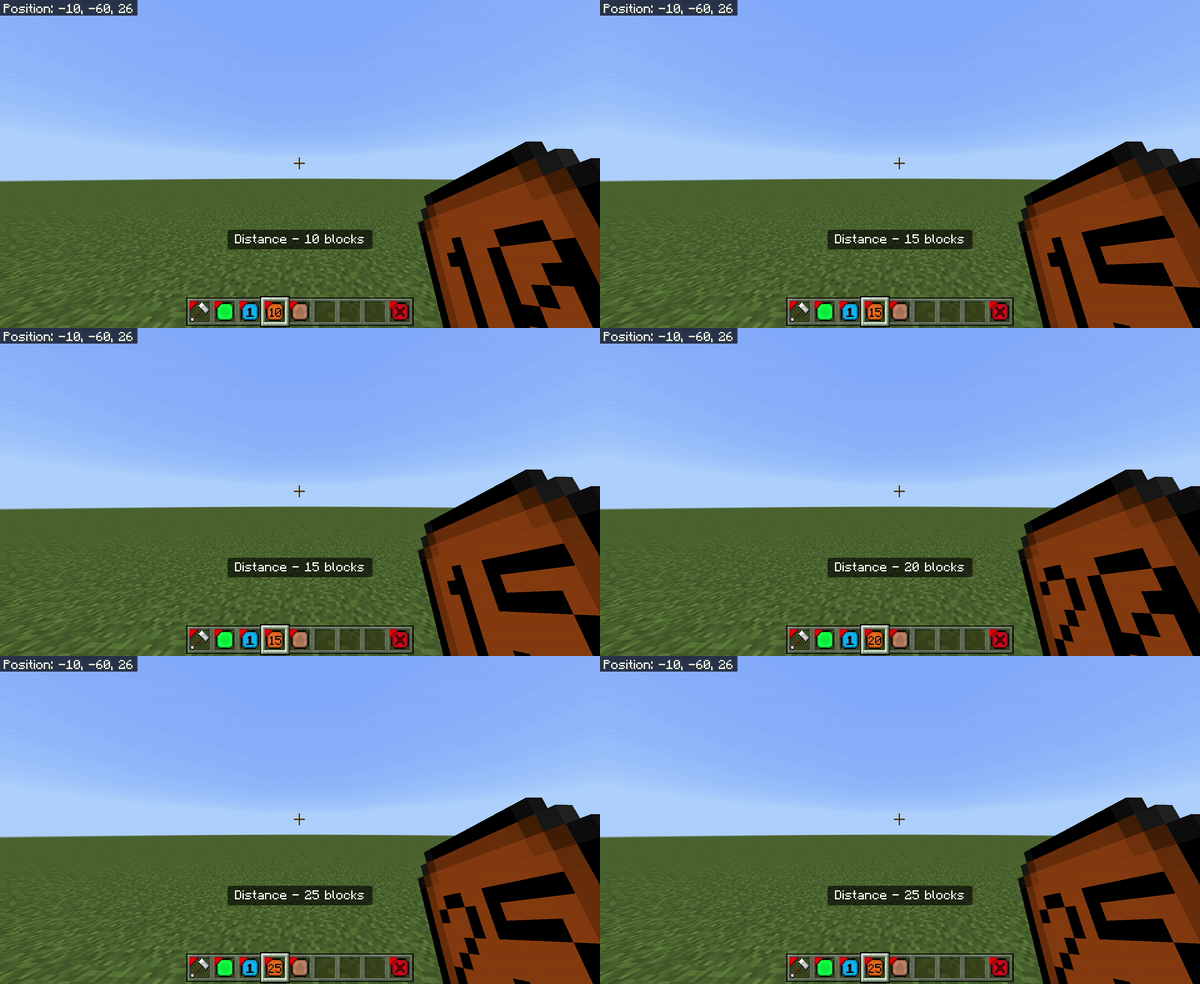
At its core, World Edit is all about speed and efficiency. You can fill large areas with blocks, replace existing terrain, or remove unwanted sections with just a few commands. For example, if you want to build a mountain range or carve out a giant lake, you can do it in seconds instead of hours. The mod’s “instant block manipulation” feature lets you modify huge parts of your map in moments. This saves time and energy, leaving you free to focus on creativity instead of repetitive building.
One of the best known features of World Edit is its copy and paste system. Players can select any structure or section of the world, copy it, and paste it somewhere else. This makes it easy to duplicate builds, move creations, or share them with friends. You can copy an entire base, paste it in another location, or even store it for later use. Builders often use this feature to move towns, clone castles, or create symmetrical designs without having to rebuild them from scratch. It’s one of the most useful tools for anyone who likes detailed or large builds.
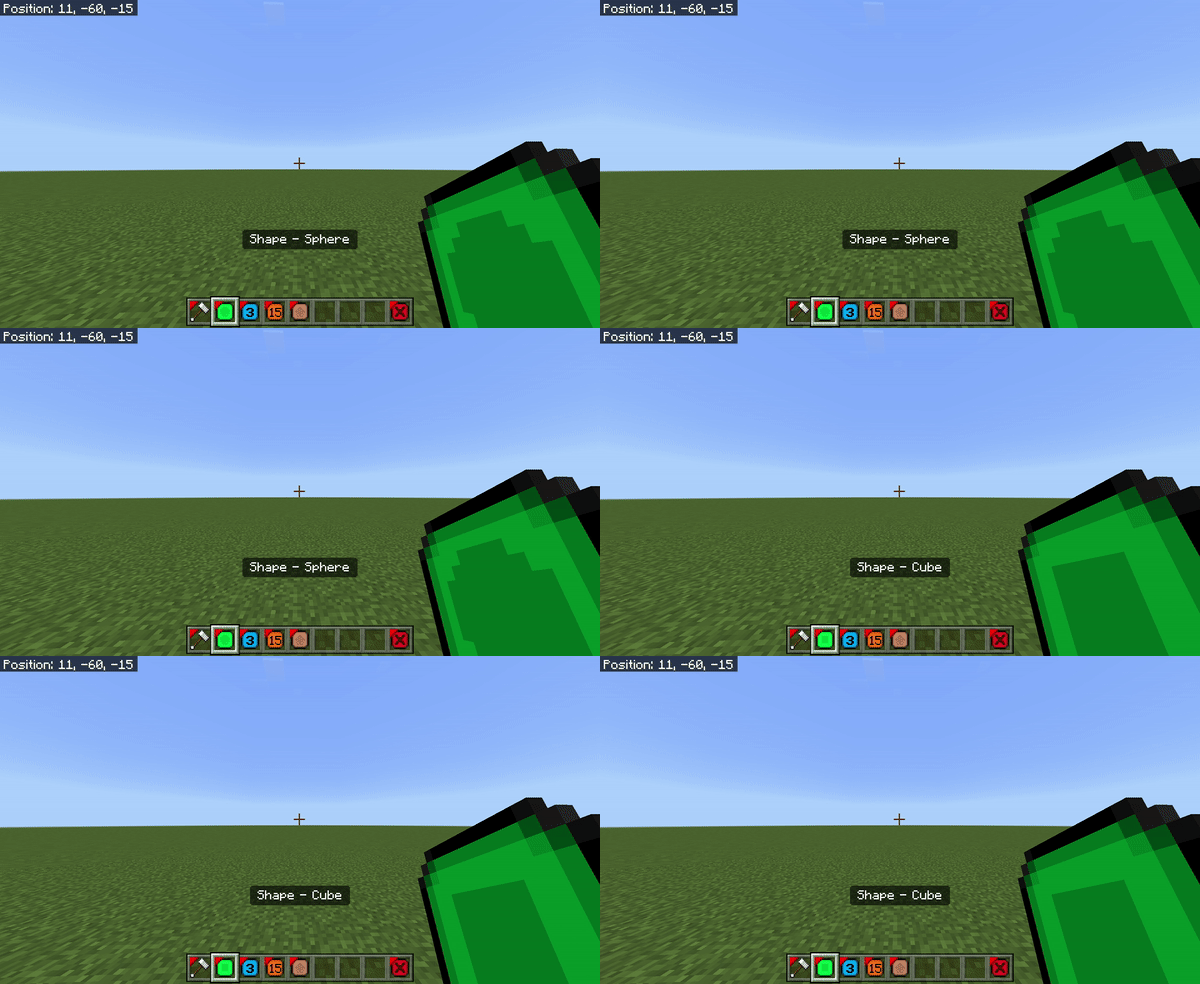
World Edit also includes advanced selection tools that give you precise control over which blocks you want to edit. You can select simple cube shaped regions or draw custom shapes with multiple points. Once an area is selected, you can modify it however you like—fill it, replace materials, or smooth the terrain. These selection tools make it easy to fine tune your designs and get perfect results every time.
Another key feature is the schematic system. Schematics are like blueprints that let you save your builds and load them in other worlds. You can create a structure, save it as a schematic file, and then import it later in a new map. This makes sharing builds with friends or online communities much easier. Many players use this to back up their projects or collaborate with others on large creative builds.
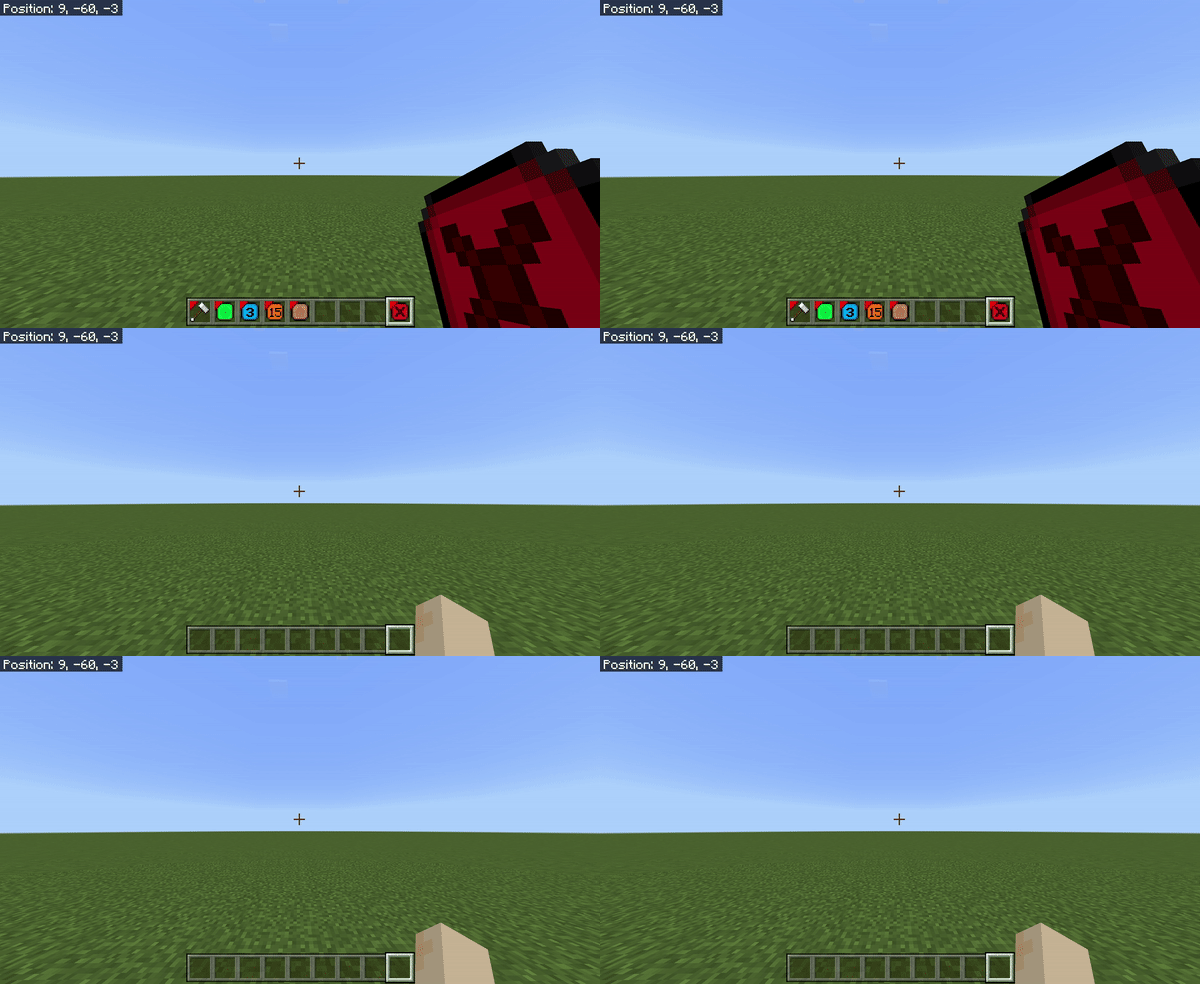
For advanced users, World Edit even supports scripting. This means you can write simple scripts to automate certain tasks. If you’re comfortable with commands, you can create scripts that build custom shapes, fill areas automatically, or run repeated actions. This is great for players who want to create massive projects or experiment with unique designs. The scripting feature gives you total control over your builds and makes it possible to create truly complex worlds.
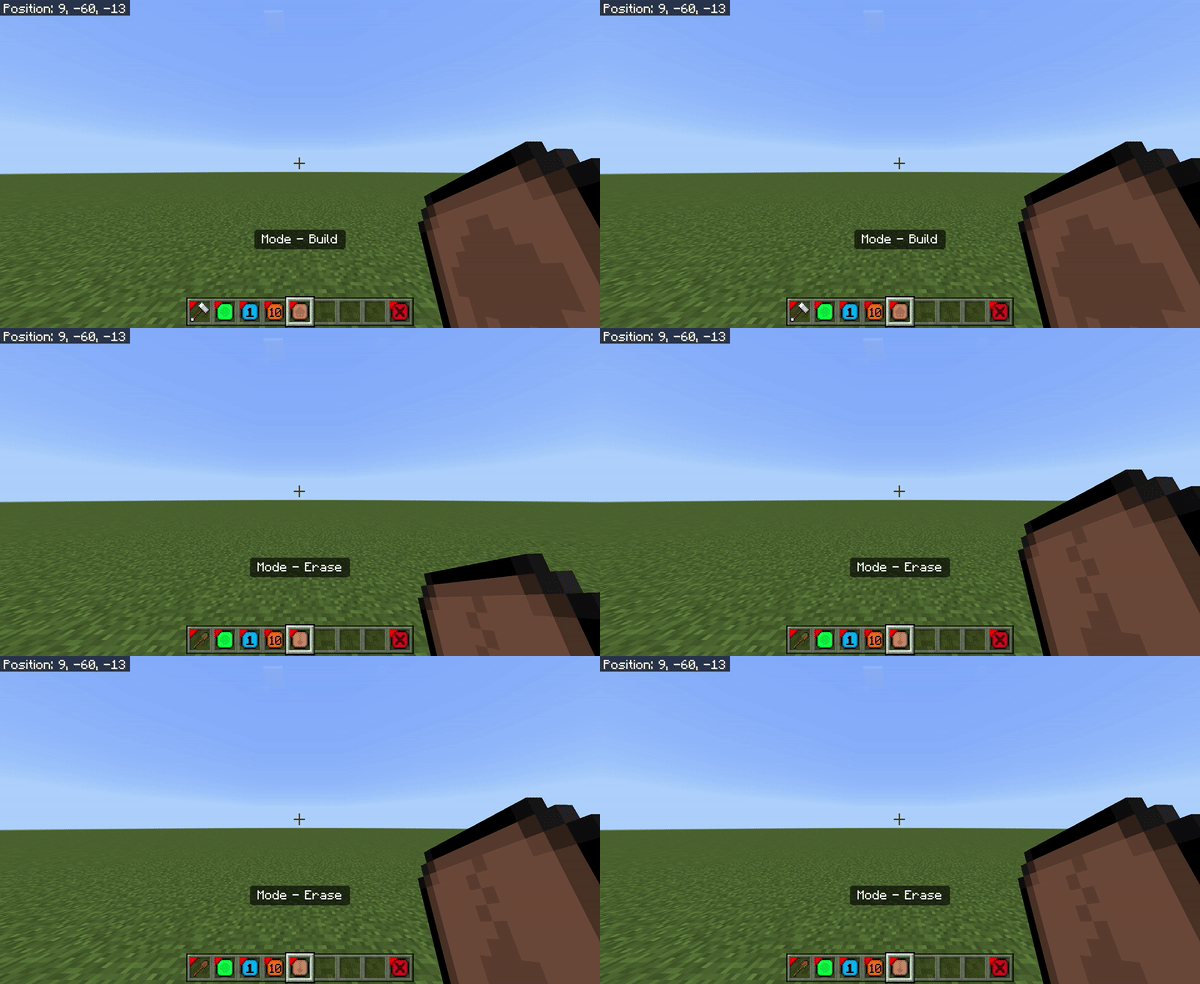
Installing the World Edit Mod for Minecraft PE is straightforward. You can download it from trusted sites like MCPEDL. Once downloaded, import it into Minecraft and enable it in your behavior and resource pack settings. Make sure your game version is compatible before starting a world. Most versions of the mod include a wand tool (often a wooden axe) that you can use to select regions and perform edits. Learning the commands is simple, and plenty of tutorials online show you exactly how to use them.
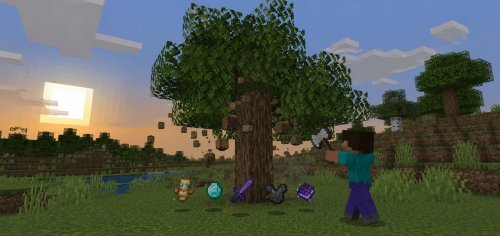
Once installed, you’ll see how much easier building becomes. Want to flatten an area for a new city? Just select the region and use a command. Need a forest cleared? You can erase thousands of trees instantly. Want a massive wall or tower? You can build it with one command. Everything that used to take hours now takes seconds. This speed and flexibility is what makes World Edit one of the most popular mods in Minecraft history.
Even if you’re new to building, World Edit is simple to learn. The controls are intuitive, and most commands only take a few tries to master. Over time, you’ll learn shortcuts and creative ways to use the tools for landscaping, architecture, and terrain design. Many professional map makers use World Edit as their main tool because it lets them focus on design instead of repetitive block placement.
In multiplayer servers or creative realms, World Edit also promotes teamwork. Builders can share tasks, copy builds, and work together on large scale maps. The ability to quickly make changes or fix mistakes helps projects move faster and encourages collaboration among players. Some servers even use World Edit to prepare maps for mini games or adventure worlds.
In summary, the World Edit Mod for Minecraft Pocket Edition is an essential tool for anyone who loves building. It combines speed, precision, and creativity into one simple package. You can create landscapes, copy structures, save schematics, and edit your world in ways that were never possible before. Whether you’re designing a massive castle, shaping a mountain range, or just clearing land for a new project, World Edit makes the process faster and more enjoyable.
For players who take pride in their builds or want to push the limits of what’s possible in Minecraft PE, this mod is a must have. It transforms ordinary gameplay into a powerful creative platform and gives you the freedom to design without limits. Install World Edit today and take full control of your Minecraft world.
Share
What's Your Reaction?
 Like
1
Like
1
 Dislike
0
Dislike
0
 Love
1
Love
1
 Funny
1
Funny
1
 Angry
0
Angry
0
 Sad
0
Sad
0
 Wow
0
Wow
0